
Crypto World PowerPoint Presentation Template
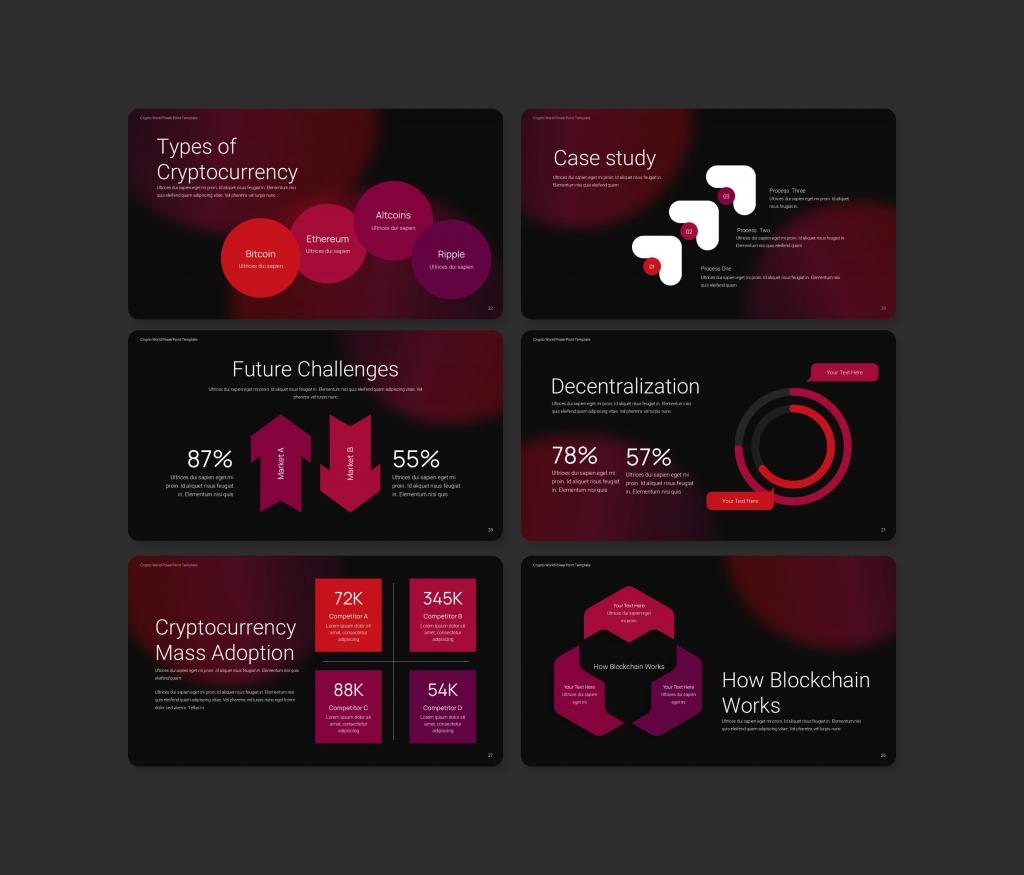

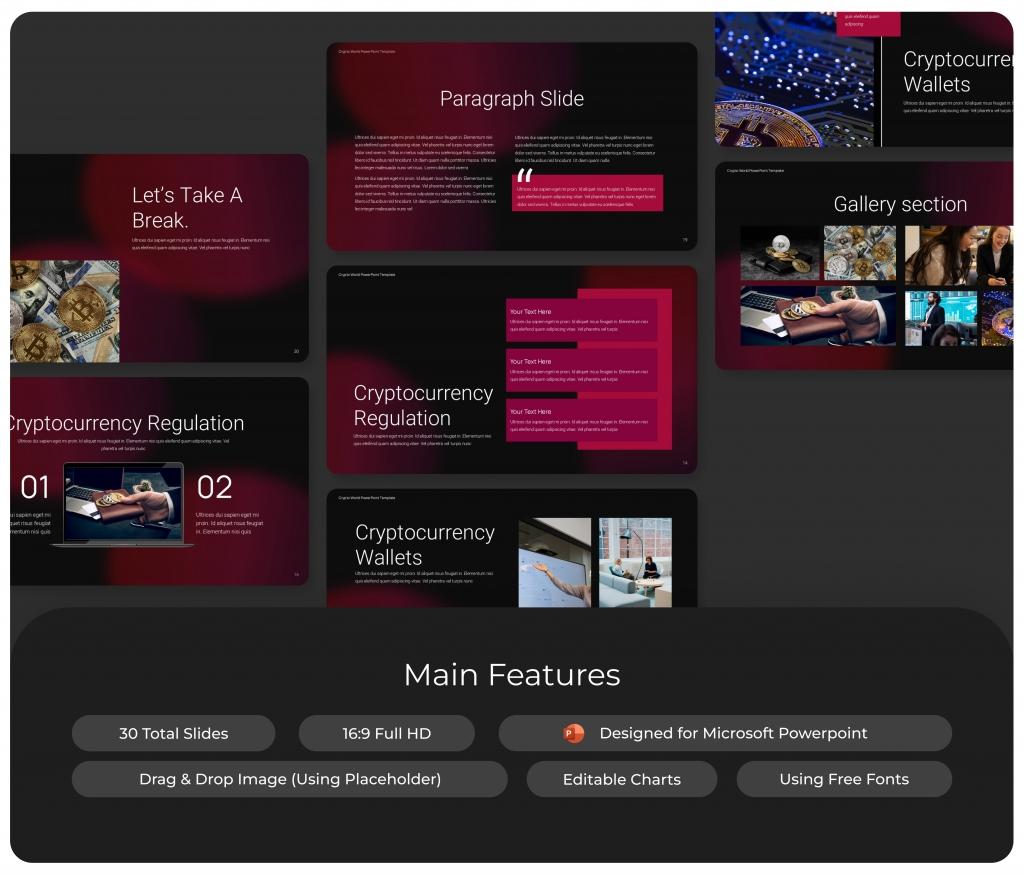

Introducing the Crypto World PowerPoint Template—your go-to tool for creating clear and engaging cryptocurrency presentations! This template comes packed with 30 professionally designed slides, covering everything from blockchain basics to crypto wallets and future trends. Perfect for pitching to investors, teaching a class, or sharing insights, it’s designed to make your work easier and more impactful.
Customizing is a breeze—just drag, drop, and tweak to suit your needs. Don’t worry if you’re not a design expert; this template does the hard work for you. Ready to simplify your crypto presentations? Download the Crypto World PowerPoint Template now and start impressing your audience today!
Example of included content:
- Introduction
- Cryptocurrency Basics
- Crypto History
- Bitcoin Overview
- Blockchain Process
- Crypto Types
- Regulation
- Wallets
- Risks
- Future Challenges
- Crypto Challenges
- Investment
- Metaverse
- Gallery
- Team
- Thank You
About This Template
Crypto World PowerPoint Presentation Template is a premium, fully editable presentation template designed for professionals who need polished slides without starting from scratch. Every element — colors, fonts, charts, and images — can be customized in PowerPoint or Google Slides to match your brand and message. Whether you are preparing for a meeting, a pitch, or a classroom session, this template gives you a professional starting point that saves hours of design work. Download it now and start building your presentation in minutes.
What You Can Create
- Professional business meetings and presentations
- Educational lectures and classroom activities
- Project proposals and client deliverables
- Team updates and internal communications
- Conference talks and public speaking engagements
Tips for Getting Started
Start by replacing the placeholder text and images with your own content. Use the master slide to apply your brand colors and logo across the entire deck in one step.


