
Root Cause Analysis PPT Slide Example
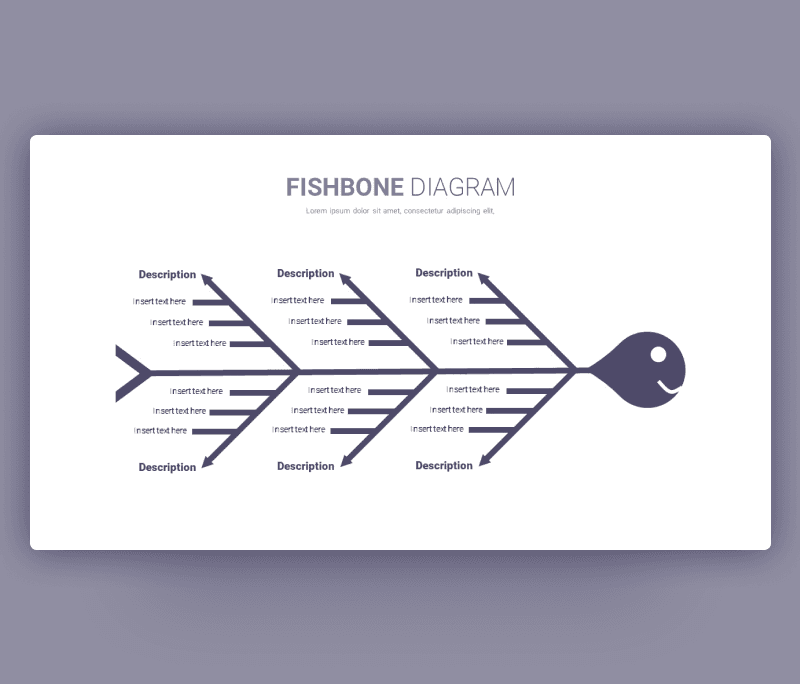
A new root cause analysis ppt slide example designed for you. Another name for it is Fishbone analysis design, which is used to present and outlay the causes of a critical issue. Basically it depends on a teamwork effort. You and your team discuss the symptoms of the problem and start sharing your experiences and thoughts to solve it.
Like all of our designs, this free Root Cause Analysis template is in PowerPoint format, which enables you to use it for different ideas and situations. You will download it once for free and you can then use it multiple times. Fishbone diagram ppt template can be used in different fields, this type of analysis is applicable in any kind of problems that don’t have quantitative data. Business, education, creativity, and more kind of categories work for it. Just edit it around to fit your needs.
A minimalistic simple design for who love working with clean line and clear visuals, all the elements are adjustable you can change the colors and the sizes of an icon. Change the fonts and pick a different color theme too. Insert your content and here you go.
- Download it now and check more design examples about root cause analysis.


Want similar items? Get premium templates & graphics starting from just $1
About This Template
What You Can Create
- Professional business meetings and presentations
- Educational lectures and classroom activities
- Project proposals and client deliverables
- Team updates and internal communications
- Conference talks and public speaking engagements


