
30 User interface icons
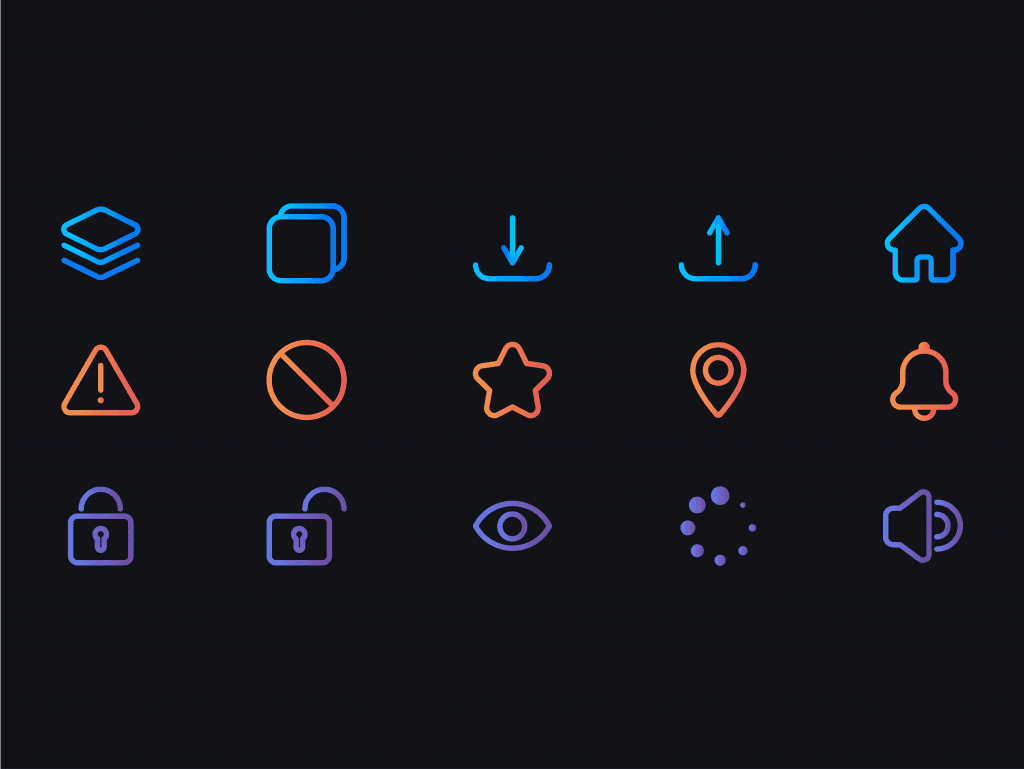
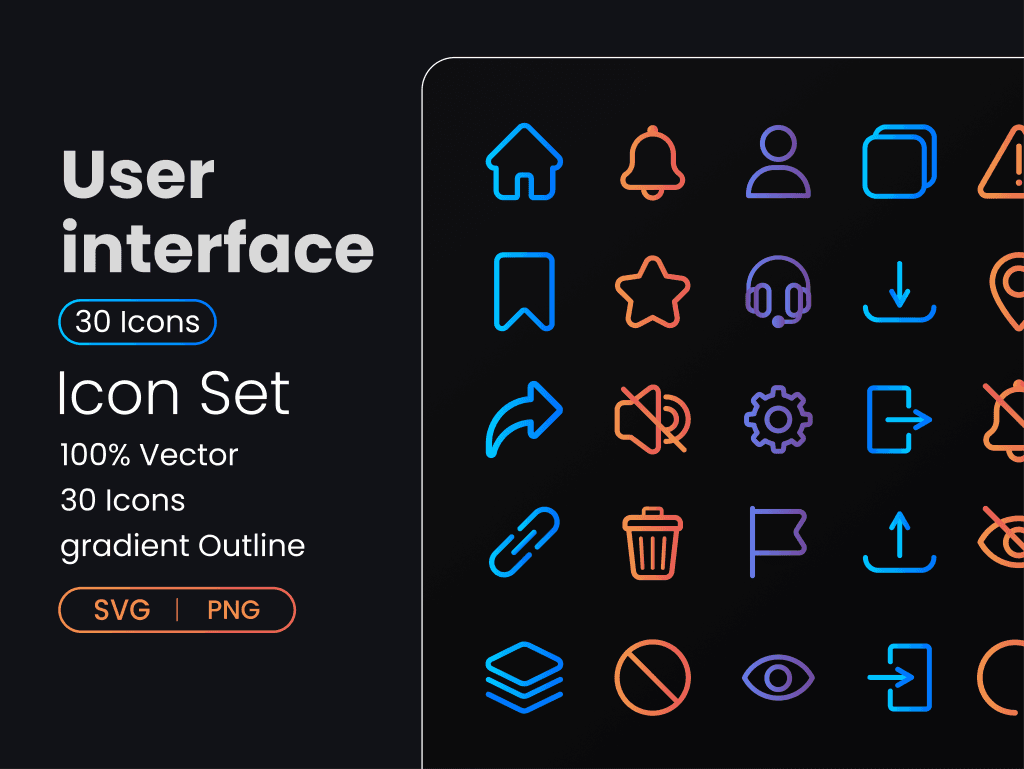
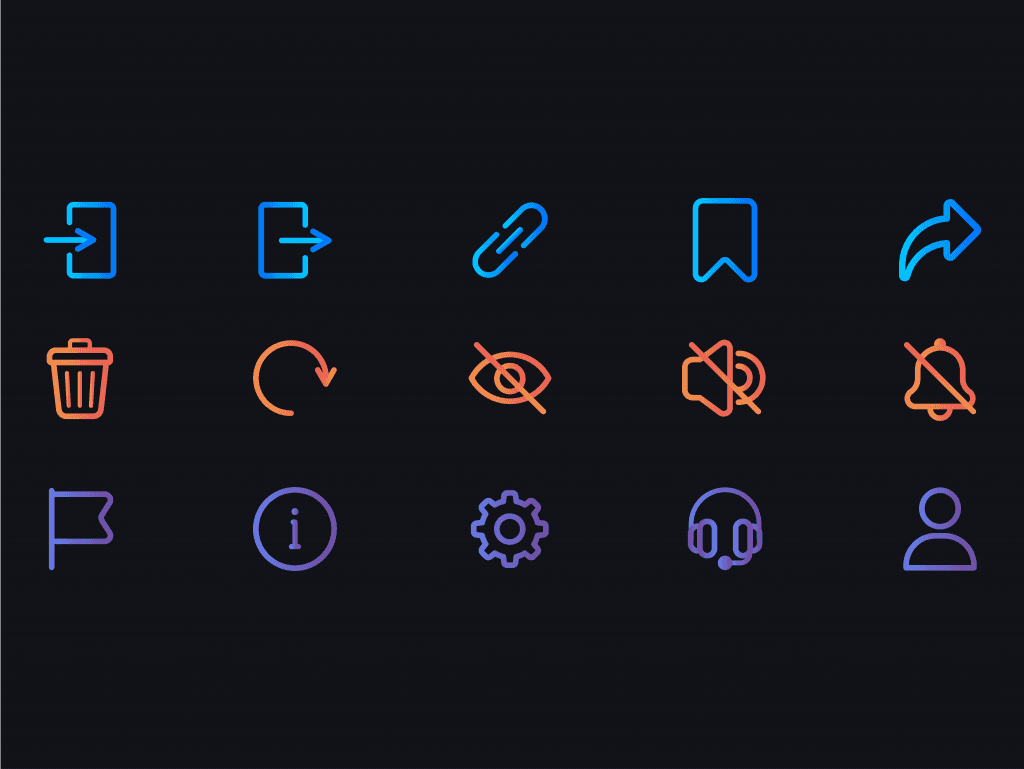
Give your product a clean, consistent visual language. This User Interface Icon Set includes 30 polished vector icons in SVG and PNG. Edit sizes and colors in seconds. Drop them into dashboards, websites, mobile apps, and design systems without losing clarity. If you want to shape these visuals around better UX choices, explore our digital product design tips.
Use it to speed up UI work, keep styles aligned, and ship screens faster. Update once and reuse across projects. If you also need themed symbols for learning content, try the Education & School Icon Set.
Included Features
-
30 unique icons
-
Files included: SVG and PNG
-
Easy to edit in your preferred tool
-
100 percent vector elements
-
Well organized for quick handoff
Perfect for
-
Product designers and UI engineers
-
Design system owners and teams
-
Web and mobile app projects
-
Dashboards, admin panels, and marketing sites
-
Rapid prototyping and handoff
FAQ
1) Can I change colors and sizes
Yes. Open the SVGs and edit fills or strokes. Scale without quality loss.
2) Does it work in Figma and Illustrator
Yes. Import the SVG files and drop them into components.
3) Are PNG sizes fixed
PNG exports are raster. Re-export from SVG for new sizes.
4) Can I use these in commercial projects
Check the license on the item page to confirm allowed uses.
5) Can I add these to a design system
Yes. Convert icons to components and apply your token colors.

Want similar items? Get premium templates & graphics starting from just $1
About This Template
What You Can Create
- Professional business meetings and presentations
- Educational lectures and classroom activities
- Project proposals and client deliverables
- Team updates and internal communications
- Conference talks and public speaking engagements


