
Fishbone (Ishikawa) Diagram PowerPoint Template
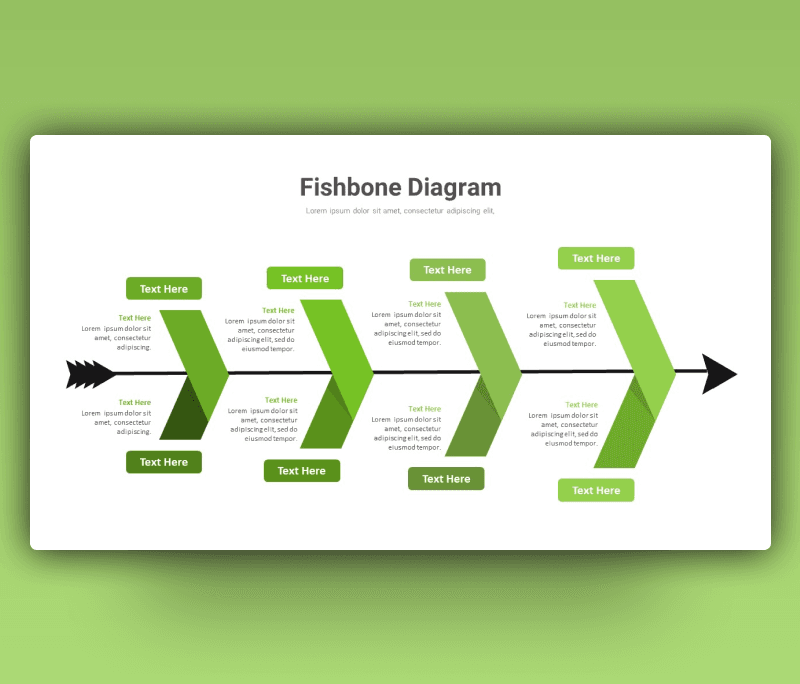
Fishbone (Ishikawa) Diagram PowerPoint Template added to a wide collection of designs. A modern and practical design that explains the problem you are may face starts with the roots. Using this Ishikawa diagram template PowerPoint is about presenting out the problem along with its causes and sources.
the fishbone diagram is also known as fishbone diagrams, herringbone diagrams, cause-and-effect diagrams, or Fishikawa. It is is a fish’s skeleton, where each arrow is pointed out referring to each problem cause you can think of. Starting from the tail moving to the head of the fish. Thinking of and gathering the pieces together along the spine gives you a clear indicator of what went wrong. The user of the Ishikawa diagram template ppt can focus on bain points and search for solutions to put an end to the problem and start developing your business.
This green-themed template is fully editable and can be customized to fit your problems and the number of options you discuss. You can edit it all around to meet your style. Changing the color theme and the font used are options. Check it out and download Fishbone (Ishikawa) Diagram PowerPoint Template now and have the visual needs to win your audience.
- Also, you can download more modern Ishikawa diagram ppt

Want Custom Designs?
About This Template
What You Can Create
- Professional business meetings and presentations
- Educational lectures and classroom activities
- Project proposals and client deliverables
- Team updates and internal communications
- Conference talks and public speaking engagements


