
Pitchtrick Pitch deck PowerPoint Presentation Template
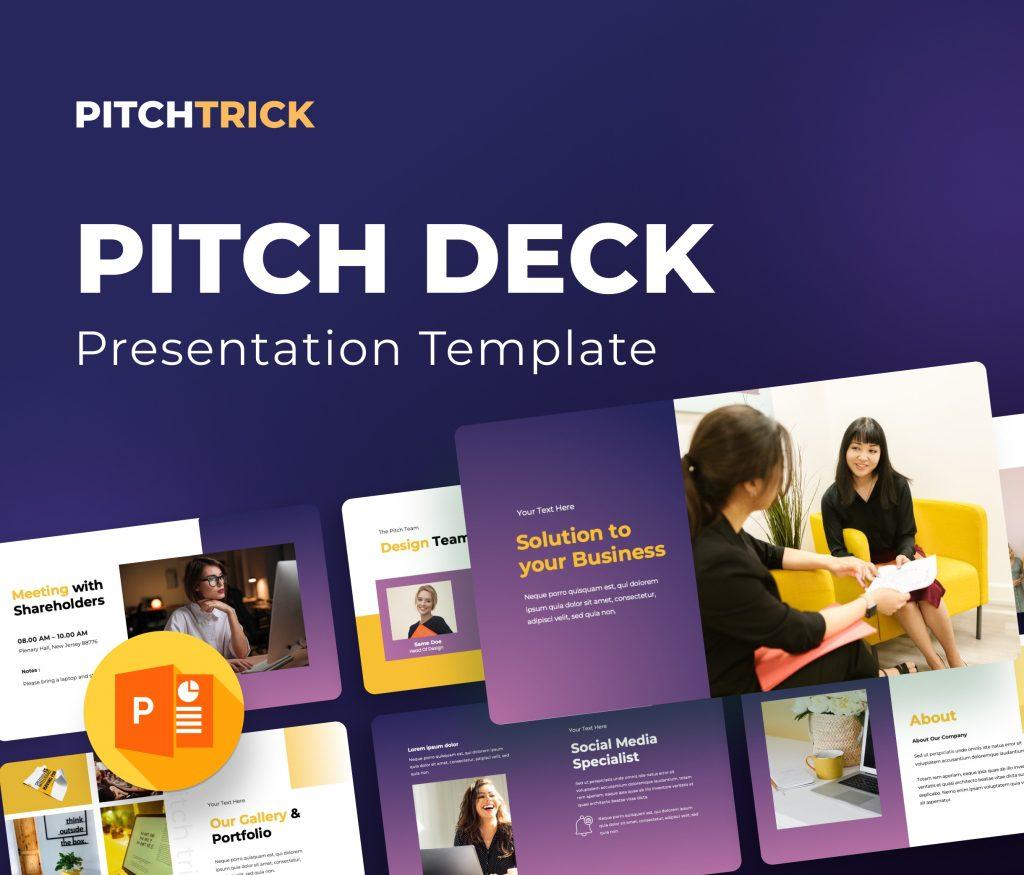
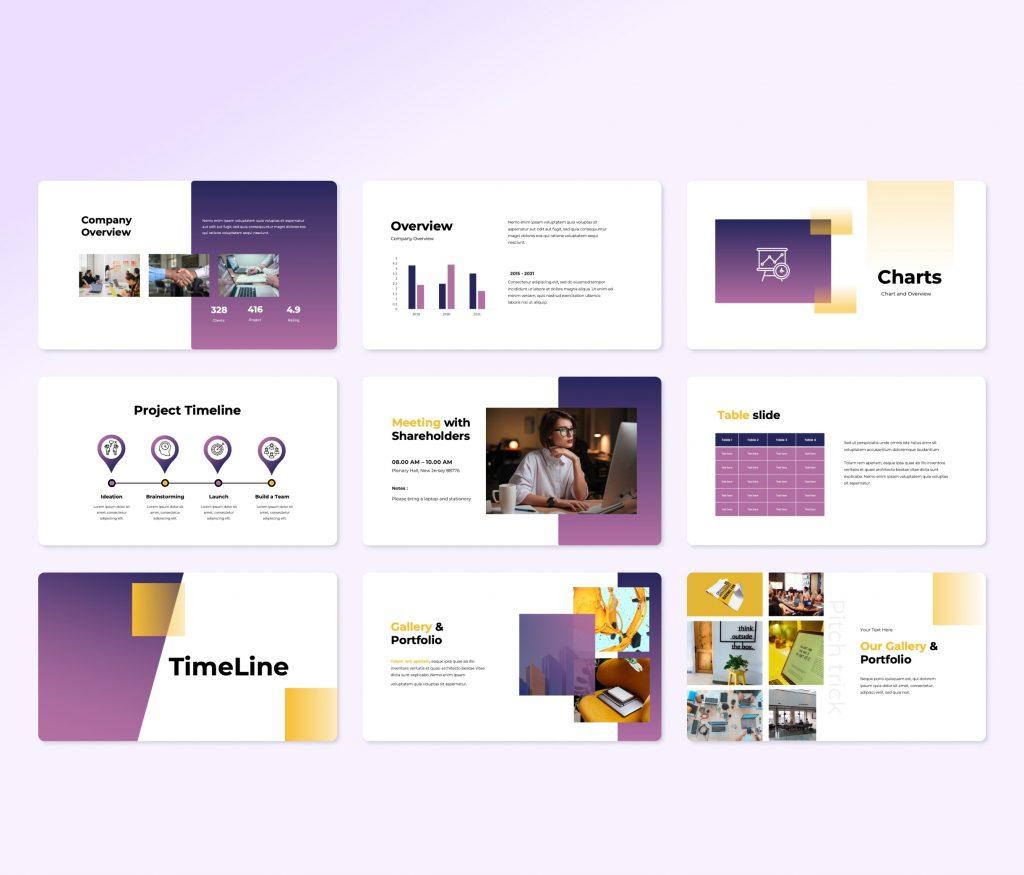
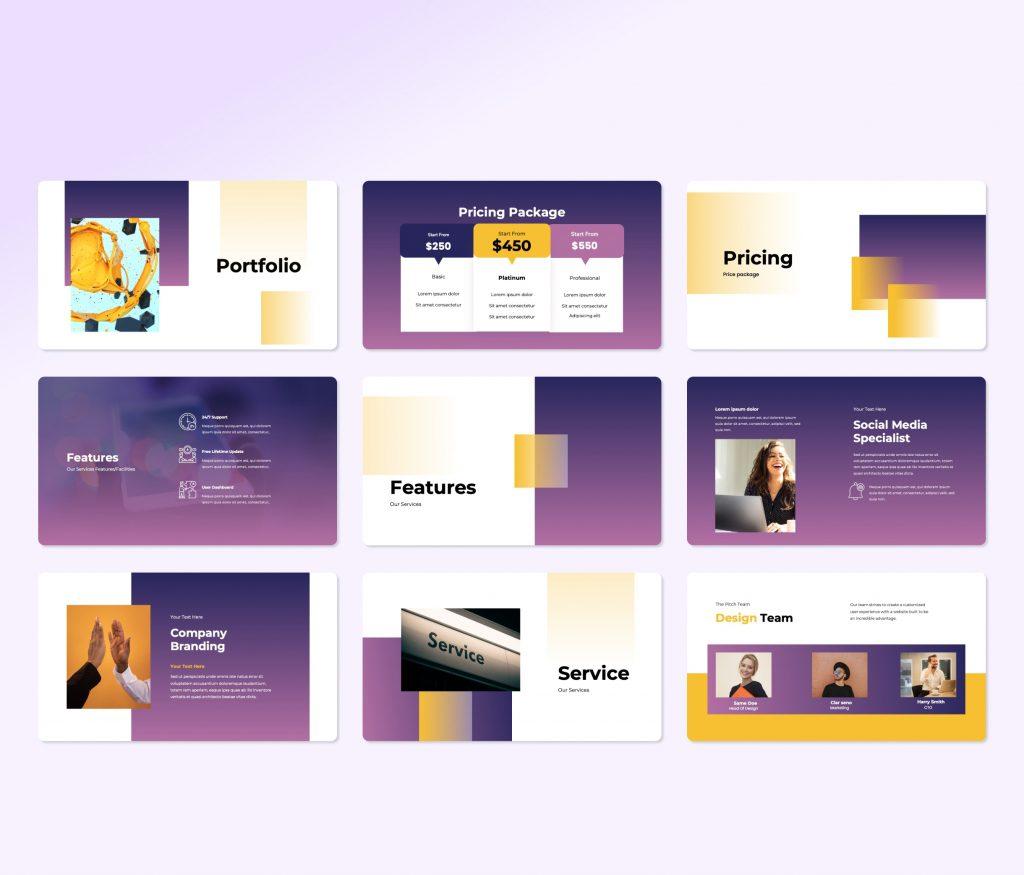
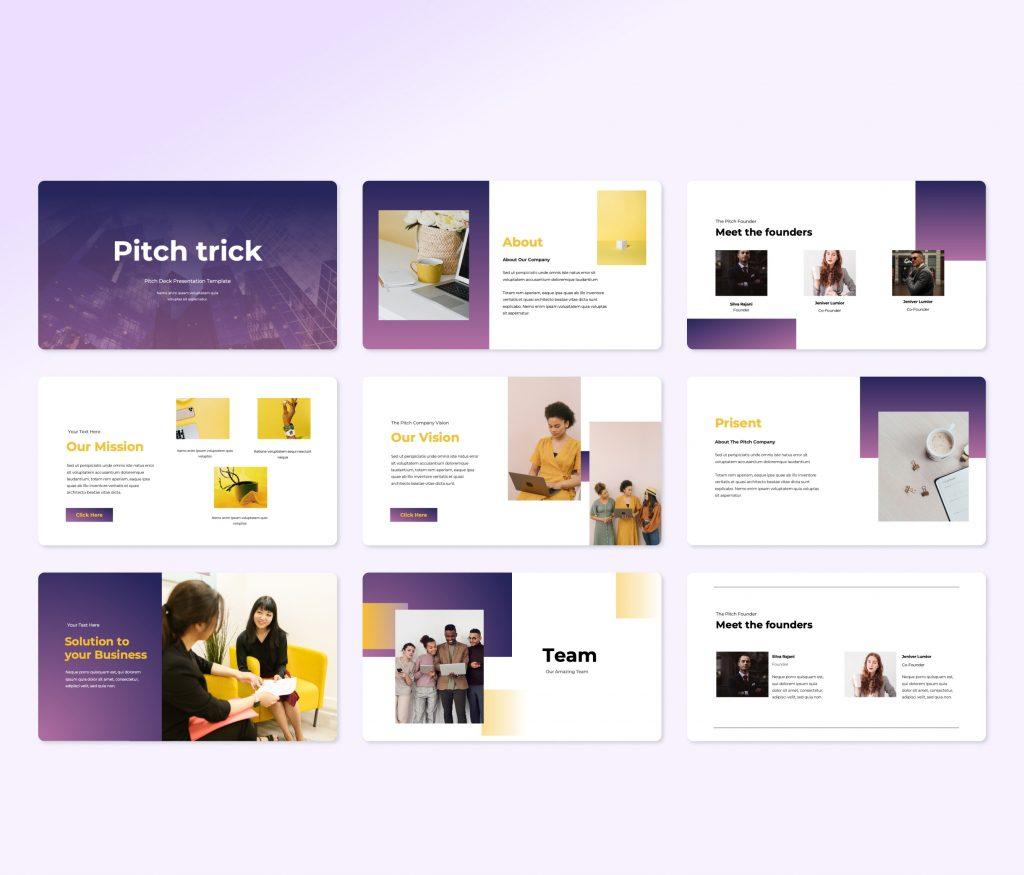
Pitchtrick Pitch deck PowerPoint Presentation Template is a new template for start-ups and entrepreneurs who seeks investment. This template is fully editable, but you will barely need to change a thing. We designed it to fit all needed aspects of a Pitch deck in a very fine style. A style that will fit modern businesses.
With infographics, tables, image placeholders, and spaces to add charts and insert data, you can be sure you will create a kicker Pitch deck template that sell your idea big. Download it now and enjoy the results.
Example for included content
- About slides
- Our Vision slides
- Our Mission slides
- Team slides
- Service slides
- Features slides
- Pricing slides
- Portfolio slides
- Our Gallery & Portfolio slides
- TimeLine slides
- Table slides
- Charts slides
- Company Overview slides
- Mockups slides
- Thanks slide
Main Features
- +30 unique slide
- 36 character position
- 30 business concept with amazing flat vector
- 16:9 aspect ratio (HD screen).
- Based on the master layout.
- 10 premade color
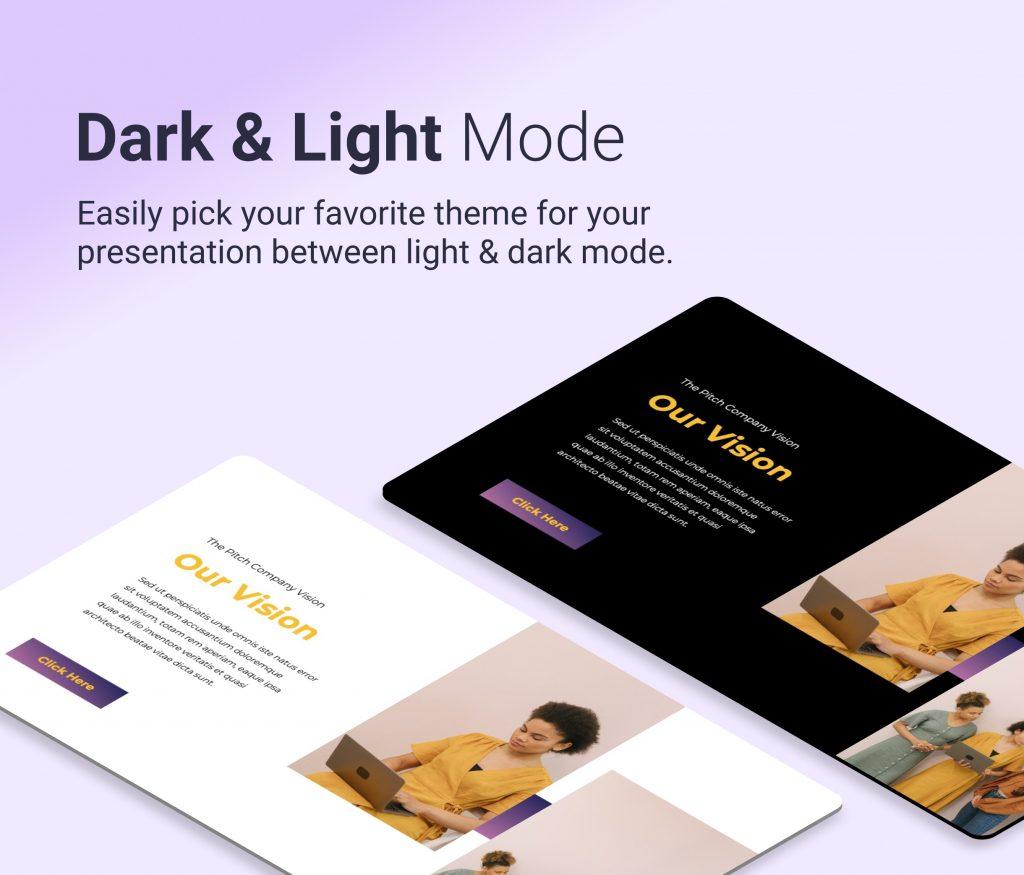
- Light and dark background
- all elements are fully editable.
- easy drag and drop image.
- free fonts file used.
- fast and free support.

💎 Premium Quality
Want similar items? Get premium templates & graphics starting from just $1
From $1Save 90%
About This Template
Pitchtrick Pitch deck PowerPoint Presentation Template is a premium, fully editable presentation template designed for professionals who need polished slides without starting from scratch. Every element — colors, fonts, charts, and images — can be customized in PowerPoint or Google Slides to match your brand and message. Whether you are preparing for a meeting, a pitch, or a classroom session, this template gives you a professional starting point that saves hours of design work. Download it now and start building your presentation in minutes.
What You Can Create
- Professional business meetings and presentations
- Educational lectures and classroom activities
- Project proposals and client deliverables
- Team updates and internal communications
- Conference talks and public speaking engagements
Tips for Getting Started
Start by replacing the placeholder text and images with your own content. Use the master slide to apply your brand colors and logo across the entire deck in one step.


