
Xevana - Drone & Aerial Photography PowerPoint Template
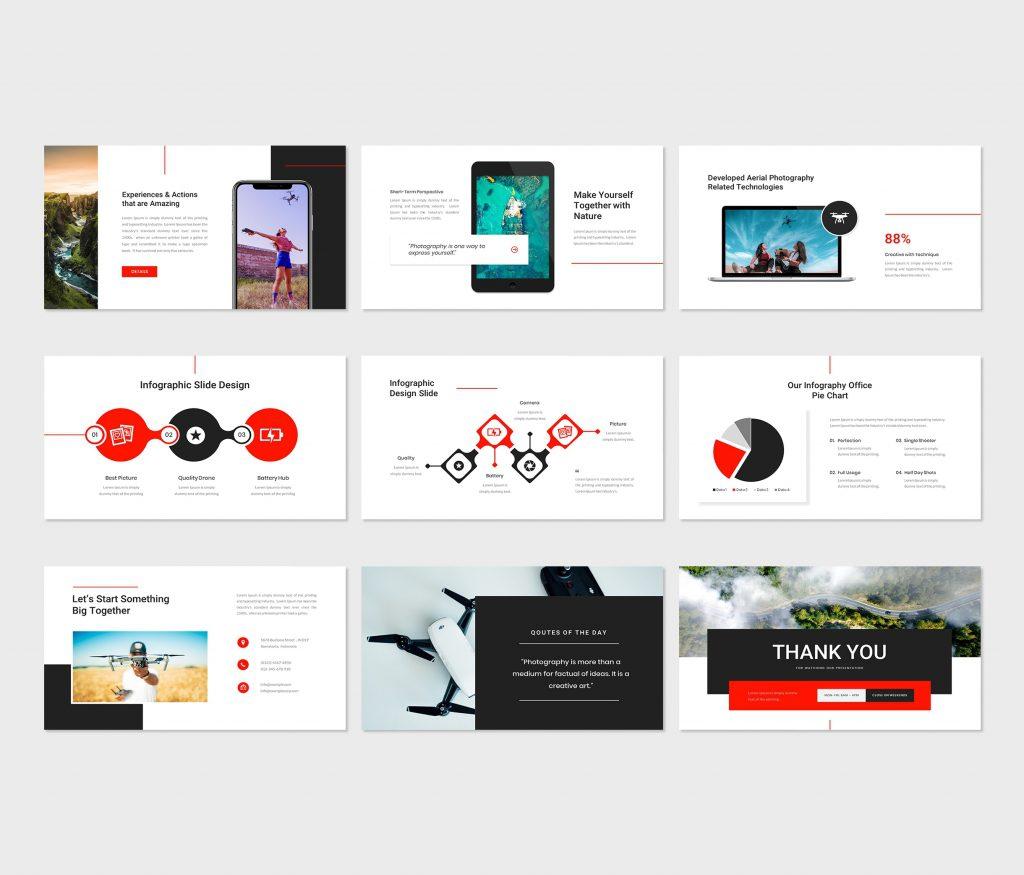
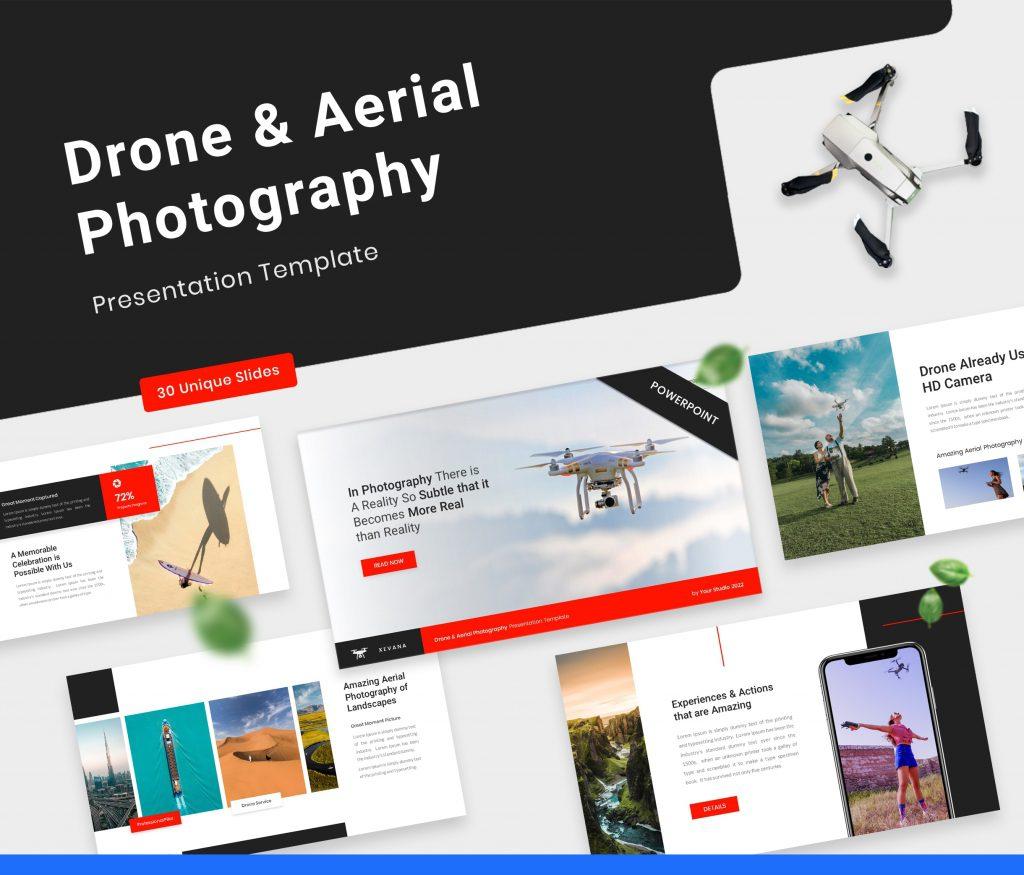
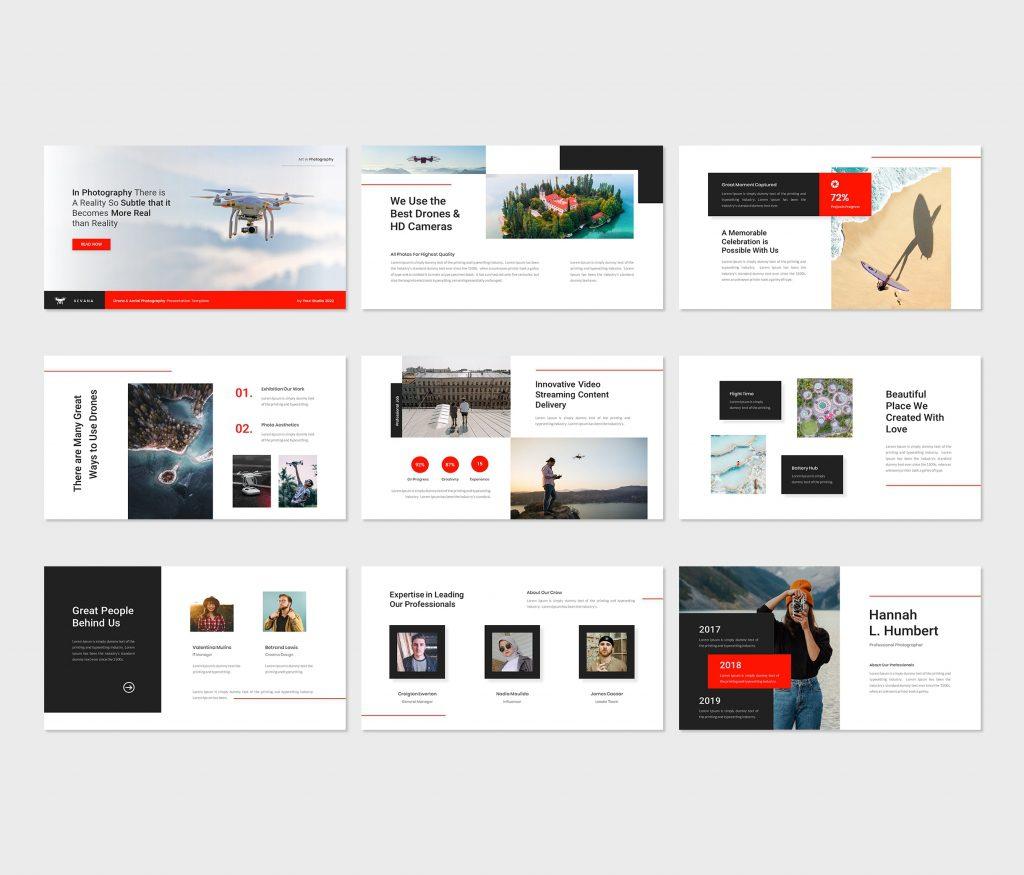
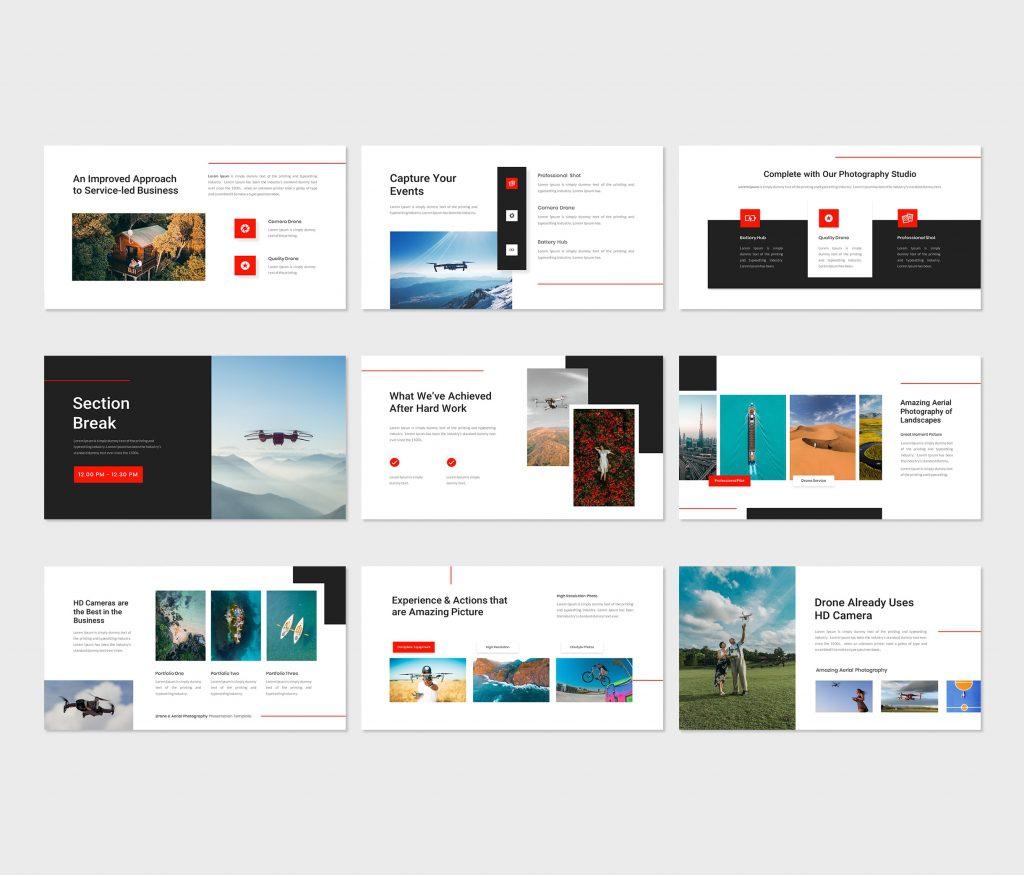
Xevana – Drone & Aerial Photography PowerPoint Template is suitable for presenting all things related to Drone & Aerial Photography Template, but this presentation can be modified related to Business Purposes.
This Presentation can be used for any type of presentation: Portfolio, Company Profile, Multipurpose, Creative Agency, and also can be used for Custom Production.
There are 30 unique, creative, and modern slides. Easy to change colors, and modify shapes, text & charts. All shapes are editable. All pictures in the presentation can easily be inserted in just one click.
Features:
Example for included content:
- About Us slides
- Team slides
- Break Slide
- Portfolio slides
- Mockup devises slides
- Infographics slides
- Chart slides
- Pricing slides
- Contact Us slide
- Thank You slide
Main Features:
- Total Slides: 30 Slides
- All graphics are resizable and editable
- Used and recommended free web fonts
- Based on Master Slides
- 16:9 Wide Screen Ratio
- Picture Placeholder
- Just Drag and Drop!

Want Custom Designs?
Get your presentation custom designed by us, starting at just $5 per slide, based on this template or any other style needed
About This Template
Xevana - Drone & Aerial Photography PowerPoint Template is a premium, fully editable presentation template designed for professionals who need polished slides without starting from scratch. Every element — colors, fonts, charts, and images — can be customized in PowerPoint or Google Slides to match your brand and message. Whether you are preparing for a meeting, a pitch, or a classroom session, this template gives you a professional starting point that saves hours of design work. Download it now and start building your presentation in minutes.
What You Can Create
- Professional business meetings and presentations
- Educational lectures and classroom activities
- Project proposals and client deliverables
- Team updates and internal communications
- Conference talks and public speaking engagements
Tips for Getting Started
Start by replacing the placeholder text and images with your own content. Use the master slide to apply your brand colors and logo across the entire deck in one step.


