Vertical Decision Tree Diagram for PowerPoint
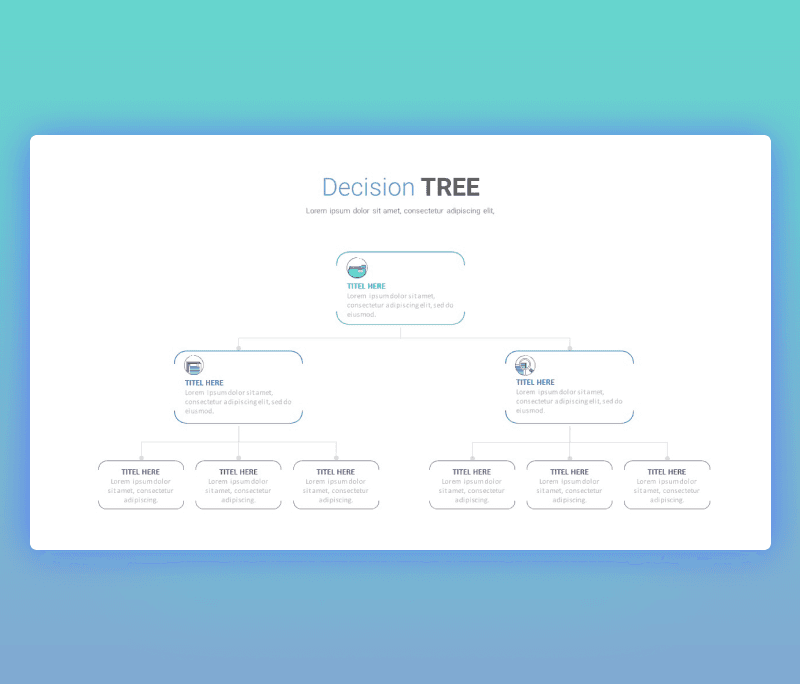
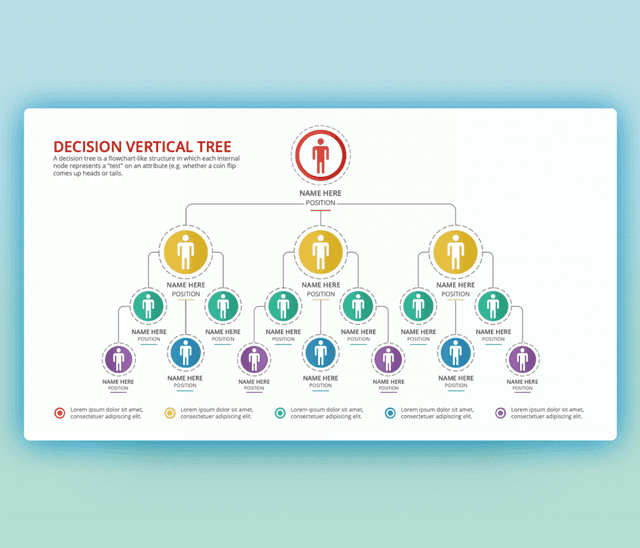
Vertical Decision Tree Diagram for PowerPoint thoughtfully designed to be used for a different number of situations.A design that focuses on introducing the process of making a critical decision. In a simple way, we can state that the decision tree diagram PowerPoint slide is a visual representation of the points that leads to making up your mind. Starting from the top root going through branches, Options selected according to each possibility. As shown the design starts with the main rectangle as the main root expanding into the two branches. Each branch has three sub-branch represents the end decision which can be Approved or Rejected.
Remember that choosing the right visuals is the key move to reflect on decision analysis in the most efficient way. Such a Vertical Decision Tree Diagram for PowerPoint can be included and used in different forms. The user of this PowerPoint template can add it to a presentation shared with your teammates to take a common and important decision. One another thing, it can be added to a report for a project or for your business documentation for development and enhancing a certain department. This ppt tree diagram is fully editable, you can change pretty much everything about this slide. Download it now and customized it to fit your needs and styles.
- check more decision tree templates

Want Custom Designs?
About This Template
What You Can Create
- Professional business meetings and presentations
- Educational lectures and classroom activities
- Project proposals and client deliverables
- Team updates and internal communications
- Conference talks and public speaking engagements