
Fishbone Timeline Diagram PPT
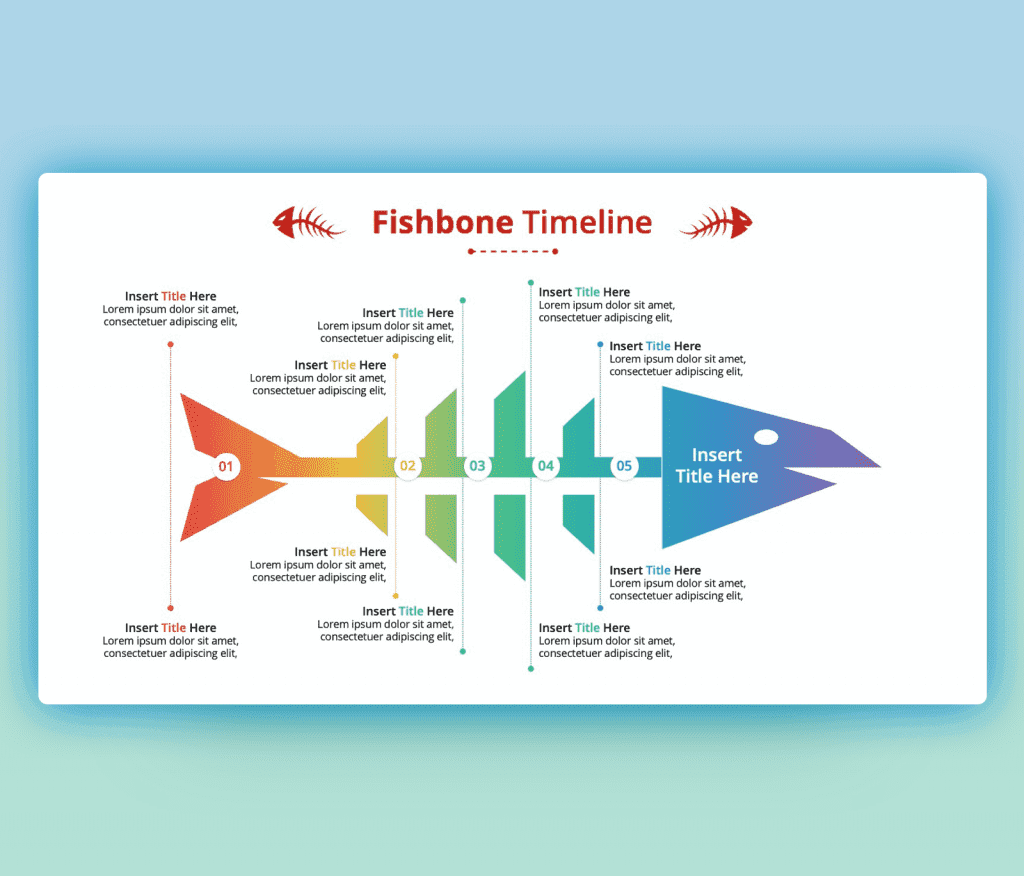
Fishbone Timeline Diagram PPT is here now. A colorful and modern design that we will explain in the following lines. Simply to use a fishbone diagram template you should know This, the fishbone diagram is a fish’s skeleton, where you can Add the problem you are facing “state or challenges” at the head of the fish and adding the causes of the problem spreading along with the spine. laying out all the possibilities will lead to the problem explanation and pain areas, The user of the fishbone diagram ppt can start searching for solutions and possible changes to solve and fix the problem and make sure od implementing the working ideas.
Adding to that this fishbone analysis ppt focuses on time. As seen you can in this outstanding design connect time with the problem and causes. if you are sharing the problem with your team, this will be sure very effective. Adding this designed fishbone ppt diagram to a repot documentation or for a presentation will add to your content as visual choices matter in this manner. Our Fishbone Timeline Diagram PPT is totally editable. You can change pretty much everything about this ppt slide, starting with the color theme, fonts, and icons to make suitable for your own need and style. You can choose a different color theme from our color palette. Pick a different font and apply it and replace the text with your content. Icons are vector so it’s easy to adjust colors and sizes. A free fishbone diagram template PowerPoint format is available to download now.
- You can check more Fishbone PPT Templates

Want Custom Designs?
About This Template
What You Can Create
- Professional business meetings and presentations
- Educational lectures and classroom activities
- Project proposals and client deliverables
- Team updates and internal communications
- Conference talks and public speaking engagements


