
Profit and Loss Comparison Template for PowerPoint
Profit and Loss Comparison Template for PowerPoint Added to our collection of designs for you to download. A design that reflects both modernness and professionalism. We introduce a design that can be added to any documents that will be reflected in your profit. This ppt slide is not only about your profit, but it’s also about the losses you may face. A simple comparison can help you understand a lot. We can say that it is a financial report PowerPoint template that you can include in proposals or project plans to support your strategy and actions.
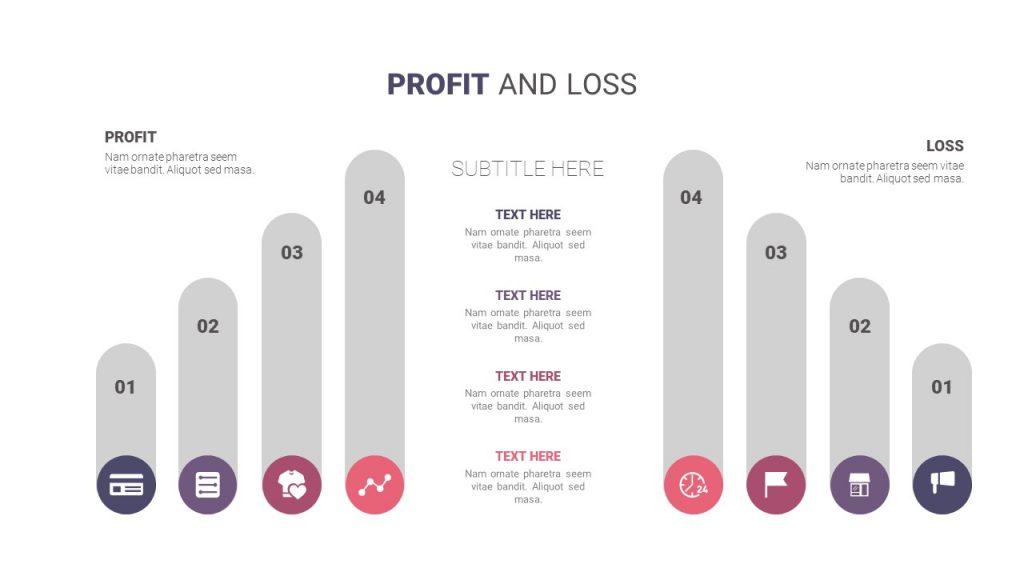
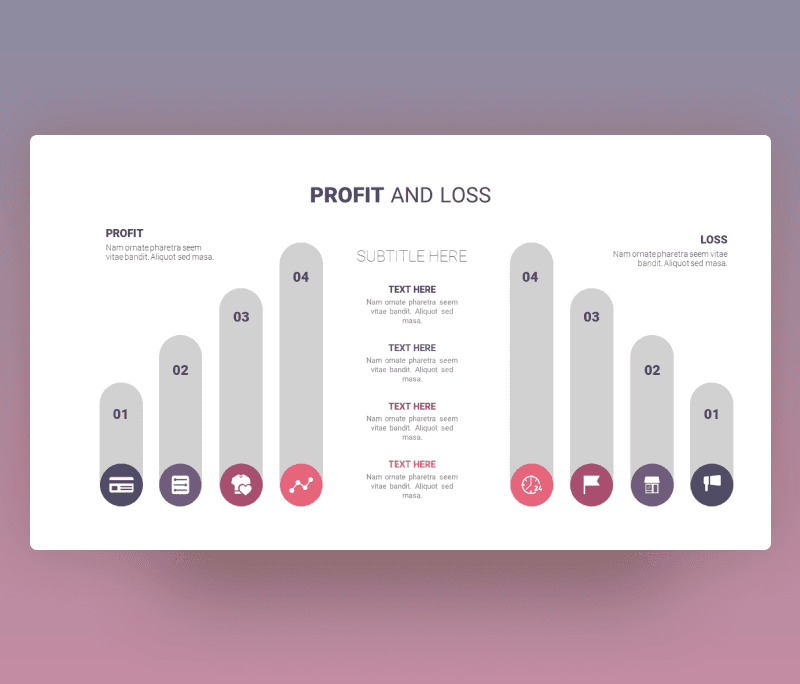
This Profit and Loss Comparison Template for PowerPoint with a purple color shade includes profit and loss reporting. As seen with the title in the center of the slide, at each side of profit at the left and loss at the right, there are four variables represented in columns. Each column is in a specific size and attached with an icon to represent its variable. There are spaces for subtitles with a little description.
With our best graph to show profit and loss variation, you can totally customize the experience and the result. You can edit it fully. Change colors, sizes, choose new fonts to use, and adjust the icons. Download it now and reflect on your financial state perfectly.
- Also, you can check more business template designs


Want similar items? Get premium templates & graphics starting from just $1
About This Template
What You Can Create
- Professional business meetings and presentations
- Educational lectures and classroom activities
- Project proposals and client deliverables
- Team updates and internal communications
- Conference talks and public speaking engagements


