
Circular Infographic PowerPoint Template - Free PPT Slides
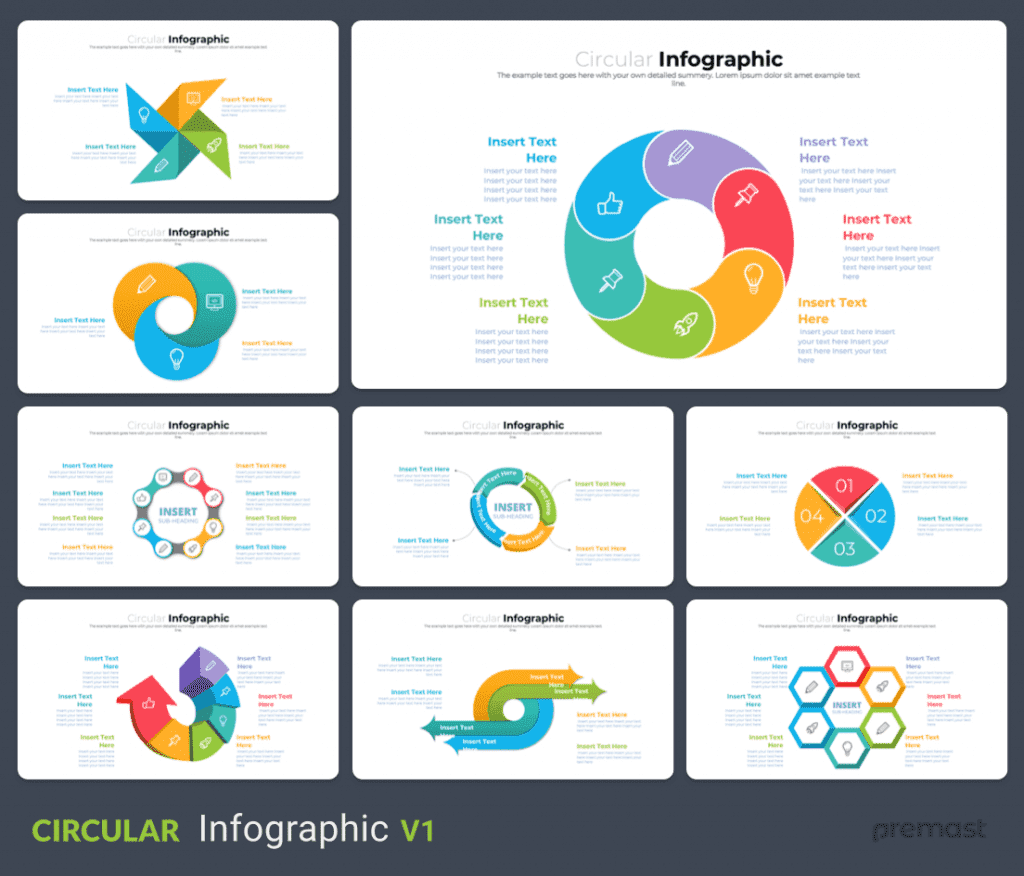
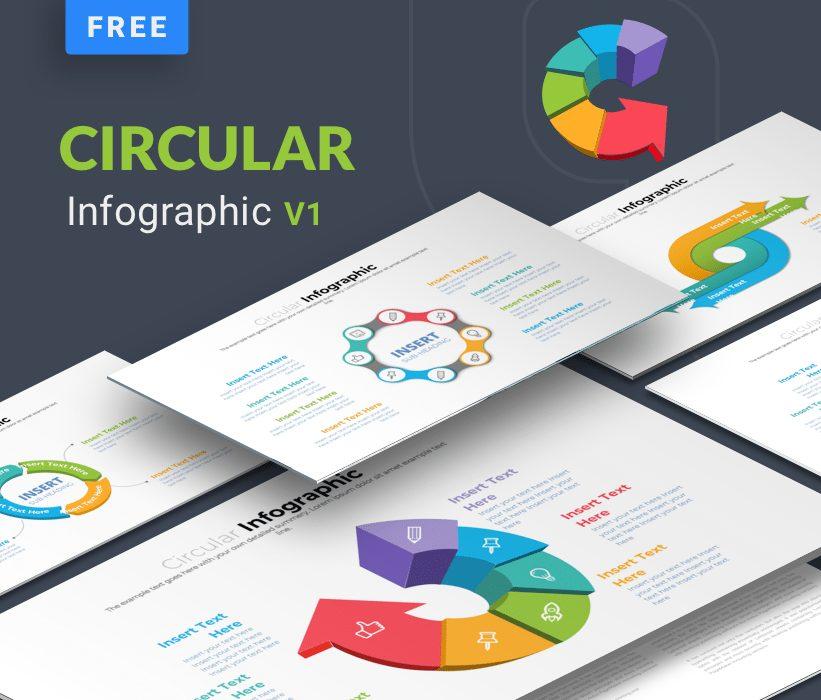
Circular Infographic powerpoint template contains a great 10 slides of different circular infographic for powerpoint. build based on vector elements directly in powerpoint, so all elements will be editable and can be easy to edit, change colors and change size. this PPT template can be used as cycle diagram, process diagram, workflow or graphic diagram and many other options. this template is very useful for business purpose
This template Include :
- 10 unique slides of different Circular infographic.
Circular Infographic powerpoint template Features:
- 10 Unique slides
- full editable vector
- 16:9 widescreen layout
- based on master slide and color palette so it will be easy to change layout and colors
need more? don’t forget to check our free & premium infographics powerpoint templates and infographics slides

Want Custom Designs?
Get your presentation custom designed by us, starting at just $5 per slide, based on this template or any other style needed
About This Template
Circular Infographic PowerPoint Template - Free PPT Slides is a free, fully editable presentation template designed for professionals who need polished slides without starting from scratch. Every element — colors, fonts, charts, and images — can be customized in PowerPoint or Google Slides to match your brand and message. Whether you are preparing for a meeting, a pitch, or a classroom session, this template gives you a professional starting point that saves hours of design work. Download it now and start building your presentation in minutes.
What You Can Create
- Professional business meetings and presentations
- Educational lectures and classroom activities
- Project proposals and client deliverables
- Team updates and internal communications
- Conference talks and public speaking engagements
Tips for Getting Started
Start by replacing the placeholder text and images with your own content. Use the master slide to apply your brand colors and logo across the entire deck in one step.


