
5 Steps Circular Process Infographic Diagram for PowerPoint
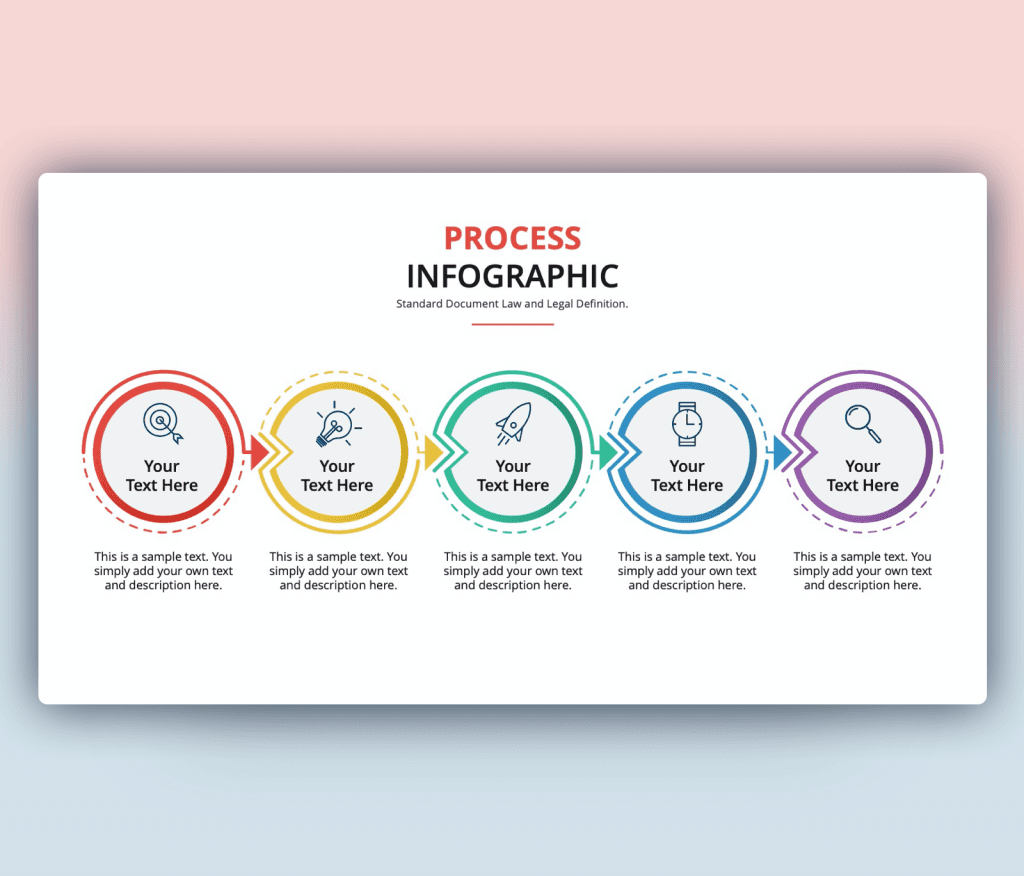
5 Steps Circular Process Infographic Diagram for PowerPoint to include in your presentation. A modern and outstanding design that helps you create your content perfectly. This Circular Process Infographic ppt slide is designed to be versatile and can be used for many situations and in many outlays. You can totally add this slide to a presentation to address a process you are doing or about to do to your team. Also, it would be a great presentation to a client reflecting on a process that you will adopt and apply. Having a PowerPoint slide like this help you utilize it to fit different categorize.
As seen in this 5 steps Circular Process Infographic Diagram for PowerPoint it’s a slide that contains circular infographics shapes that are connected creating a process flow. Five circles connected with an arrow, each circle is colored with a chosen icon that reflects on the step.
Of course, you can edit and customize this ppt slide to be used multiple times. You can fully edit each element included. Starting with inserting your text and choosing your font. Now it’s time to choose colors that fit your brands and style. Adjusting icons to go with your topic and now you are ready to go.
- Download it now and check out the rest of our Process slides.


Want similar items? Get premium templates & graphics starting from just $1
About This Template
What You Can Create
- Professional business meetings and presentations
- Educational lectures and classroom activities
- Project proposals and client deliverables
- Team updates and internal communications
- Conference talks and public speaking engagements


