
Gradient Deck Multipurpose PowerPoint Template
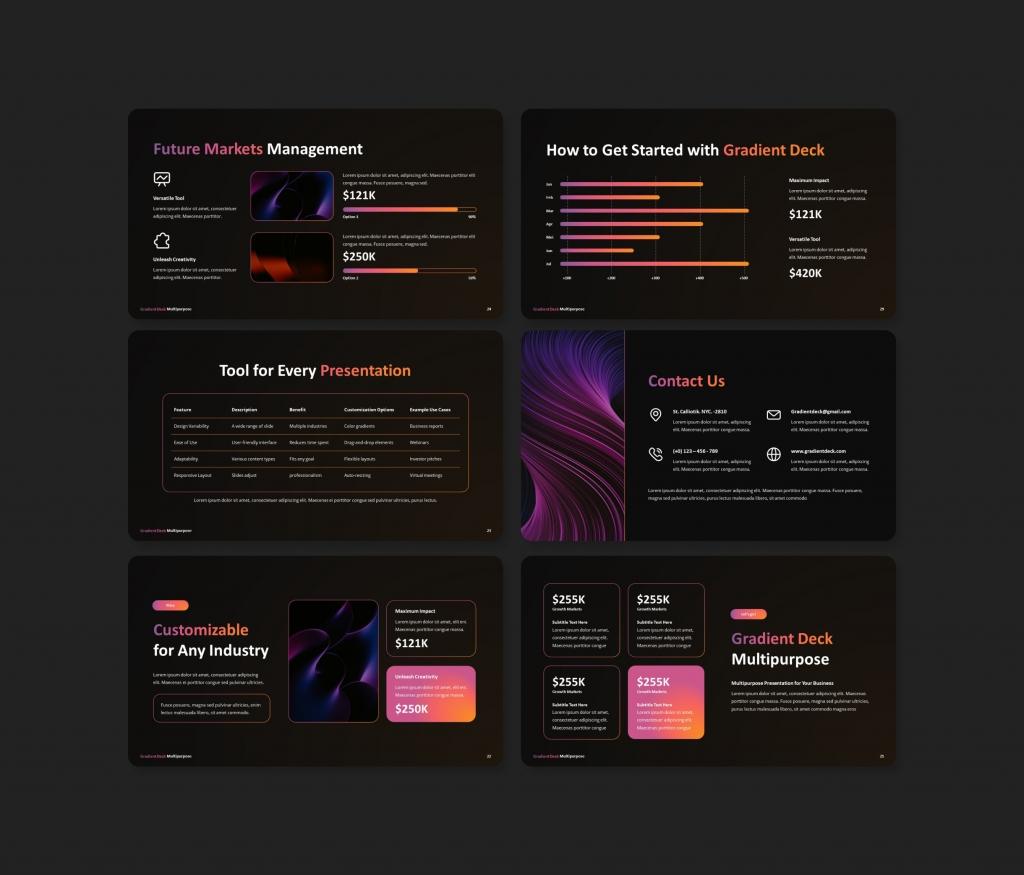

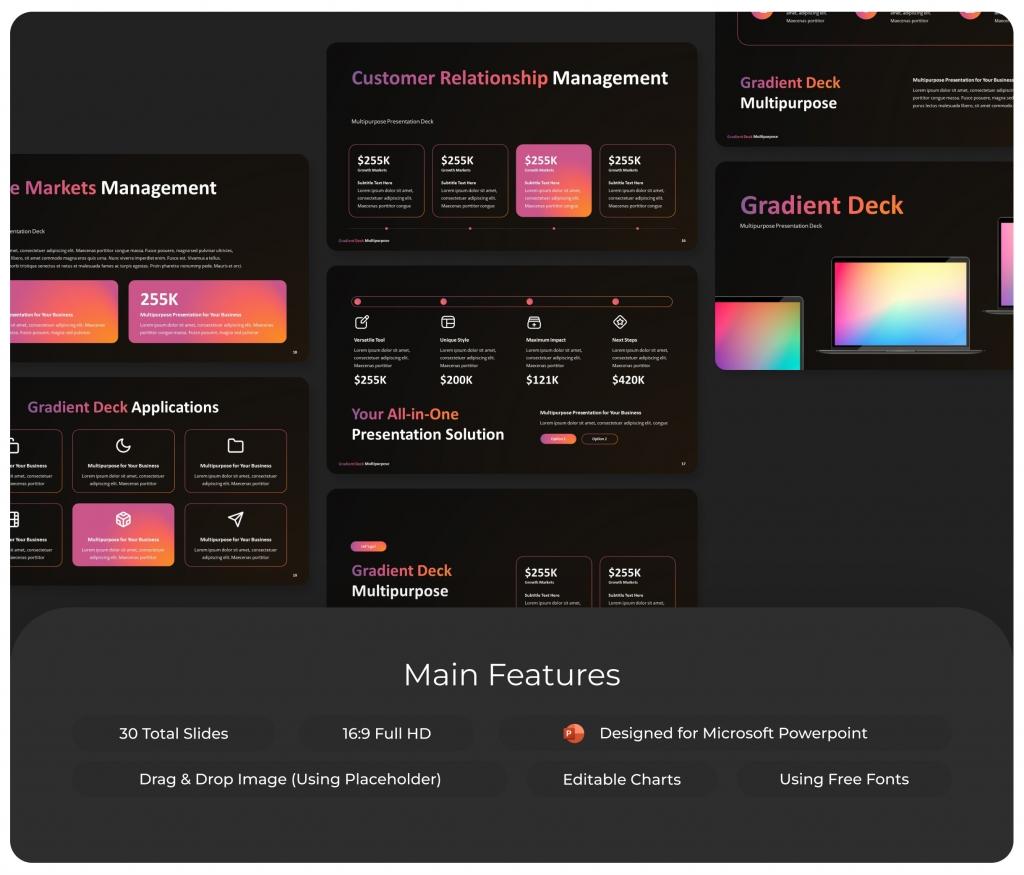
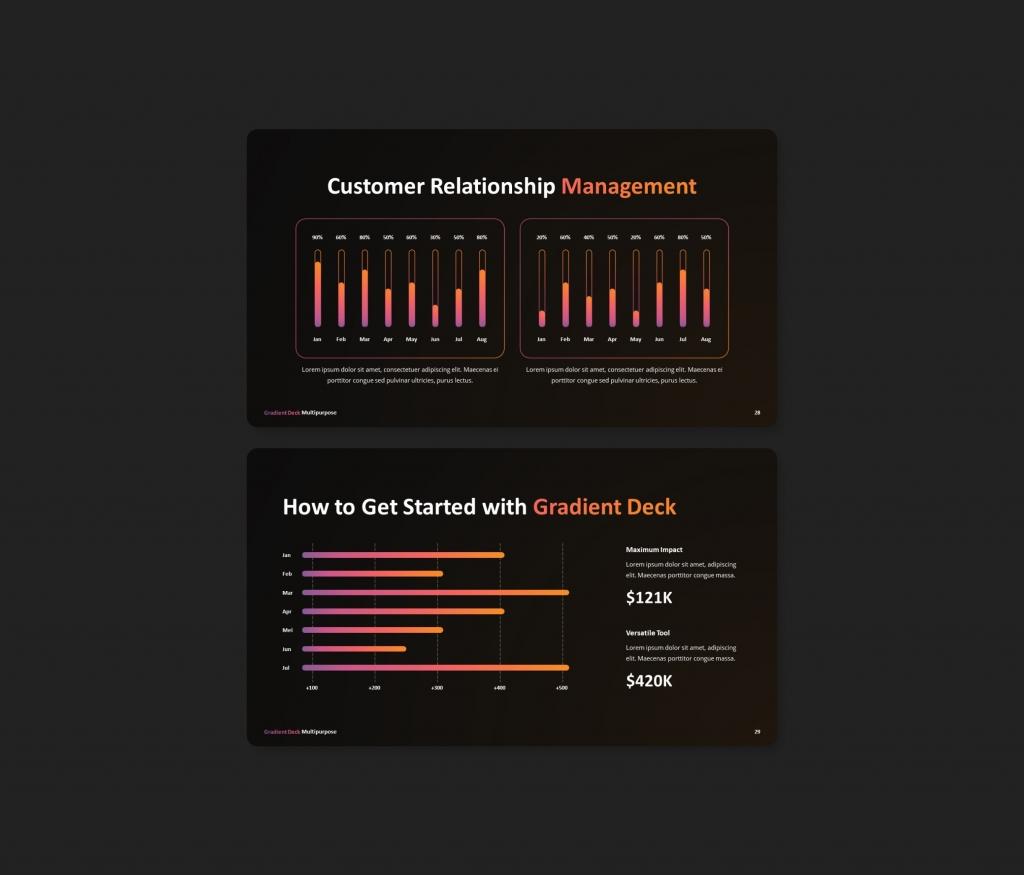
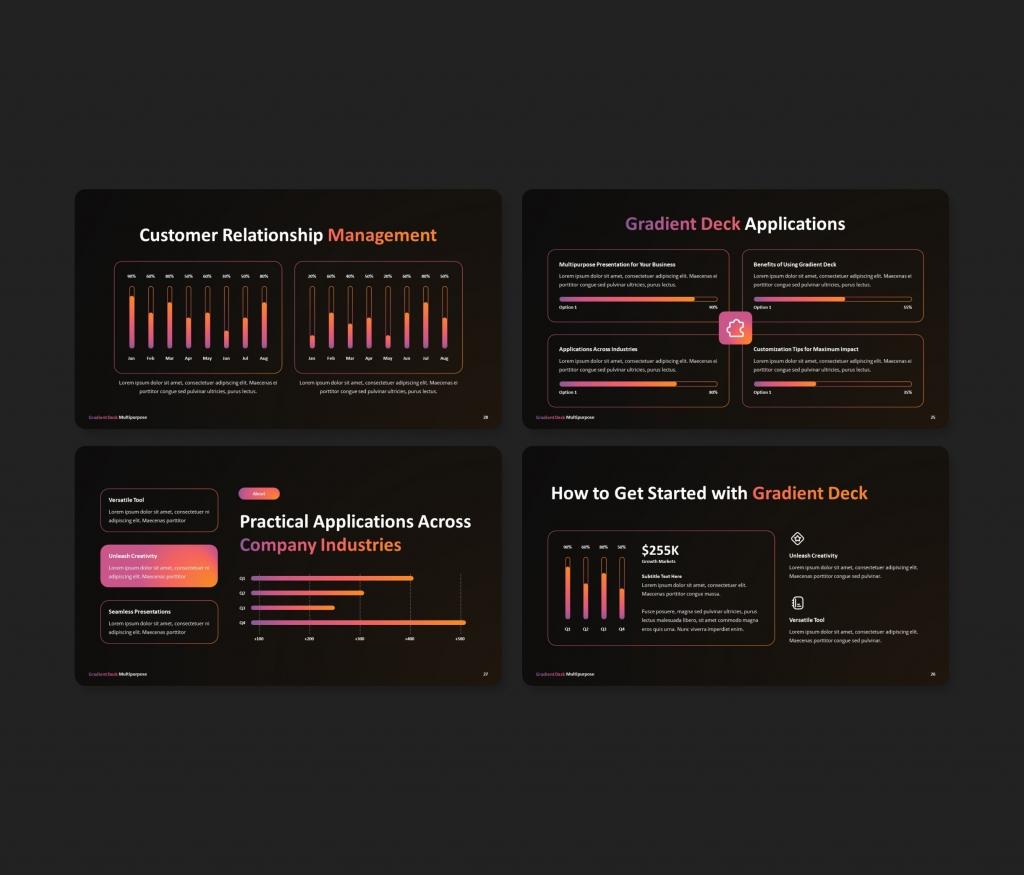
The Gradient Deck Multipurpose PowerPoint Template is a versatile and stylish choice for all your presentation needs. Whether you’re creating a business proposal, a corporate overview, or showcasing a creative portfolio, this modern template will leave a lasting impression. With its smooth gradient design and professional layouts, it’s perfect for businesses, agencies, and creatives alike.
Enjoy 30 fully customizable slides that let you tweak colors, shapes, text, and charts to match your vision. From company profiles to business strategies, this template equips you to deliver a polished and engaging presentation effortlessly.
Example of included content:
Customer relationship | applications| Customer relationship management| Contact us.
Features:
- 30 Unique Slides
- Master Slides
- 16:9 Wide Screen Ratio
- Drag-and-Drop Image Placeholders
- Customizable Charts & Diagrams
- Creative Gradient Design
About This Template
What You Can Create
- Professional business meetings and presentations
- Educational lectures and classroom activities
- Project proposals and client deliverables
- Team updates and internal communications
- Conference talks and public speaking engagements


