
Cryptox – Cryptocurrency Google Slides Template


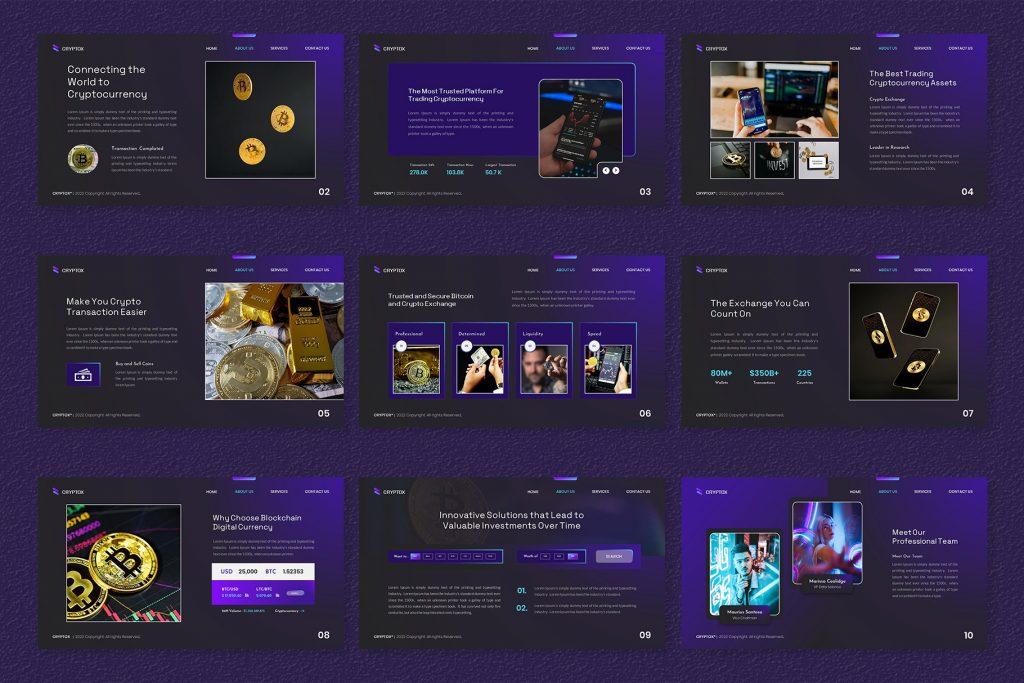

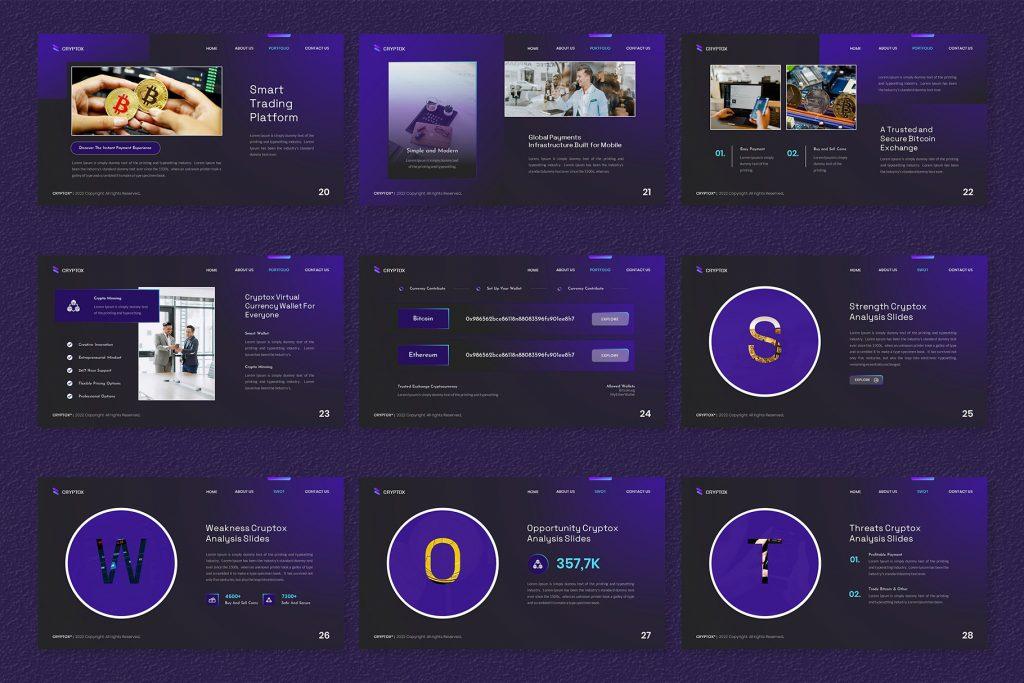
Presenting Cryptox – Cryptocurrency Slide Template, a simple tool to assist you in creating presentations about cryptocurrency, It includes 40 editable slides with infographics, charts, and picture spaces to help explain concepts like blockchain, cryptocurrency, and Bitcoin.
Cryptox is perfect for teachers, professionals, and startups. Its master slides allow you to easily create consistent presentations. Cryptox makes it simple to keep your audience engaged when talking blockchain or providing cryptocurrency insights.
Download the Cryptox Cryptocurrency Slide Template today and give your presentation with confidence!
Examples of included content:
About us | Team | Services slides | Why Choose us | Break Slide | Portfolio | SWOT analysis | Mockups | Infographic | Charts | Pricing table | Contact us | Quote | Thank you
Features:
- Total Slides: 40 Slides
- All graphics are resizable and editable
- Used and recommended free web fonts
- Based on Master Slides
- 16:9 Wide Screen Ratio
- Picture Placeholder
- Just Drag and Drop!
- Easily Editable!


Want similar items? Get premium templates & graphics starting from just $1
About This Template
What You Can Create
- Professional business meetings and presentations
- Educational lectures and classroom activities
- Project proposals and client deliverables
- Team updates and internal communications
- Conference talks and public speaking engagements


