
5 Gear Shape Options Infographic Template For PowerPoint
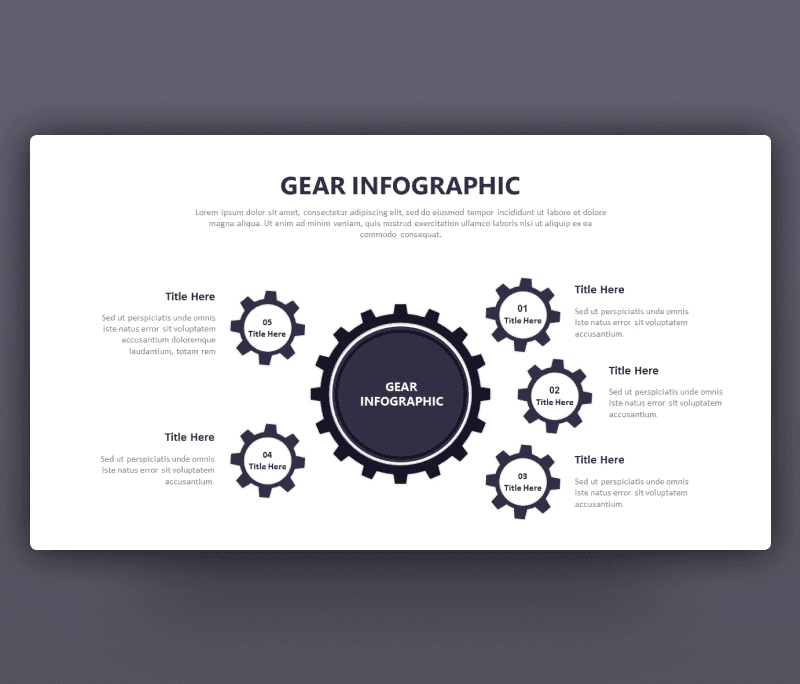
5 Gear Shape Options Infographic Template for anyone looking for new PPTs designs. Introducing an infographic PowerPoint design that fits a variety of options. Infographics knowing to be a great tool to simplify complex data and using a gear infographics can do this and a little more too. You can use it in any engineering presentation referring to the gears make machines work. Mabe if you are an HR you can name the mean gears that make a team works. Or you can name our fundamental factors that make a project works. We can name a lot of inspiring usage of a Gear infographic PPT.
This 5 Gear Shape Options Infographic Template is as seen consist of six gears including a huge one in the center and another small five ones to be connected together with a title at the top and the center of the slide. Each gear is combined with space for notes to edit it and make it related to the topic.
You can fully customize this slide and change its vibe to fit your taste. Edit icons, color themes, fonts,. and text and create your own version of a very cool gear PowerPoint slide.
- Download it now and check out our other free infographic slides


Want similar items? Get premium templates & graphics starting from just $1
About This Template
What You Can Create
- Professional business meetings and presentations
- Educational lectures and classroom activities
- Project proposals and client deliverables
- Team updates and internal communications
- Conference talks and public speaking engagements


