
Olympix - Sport Presentation Google Slides Template
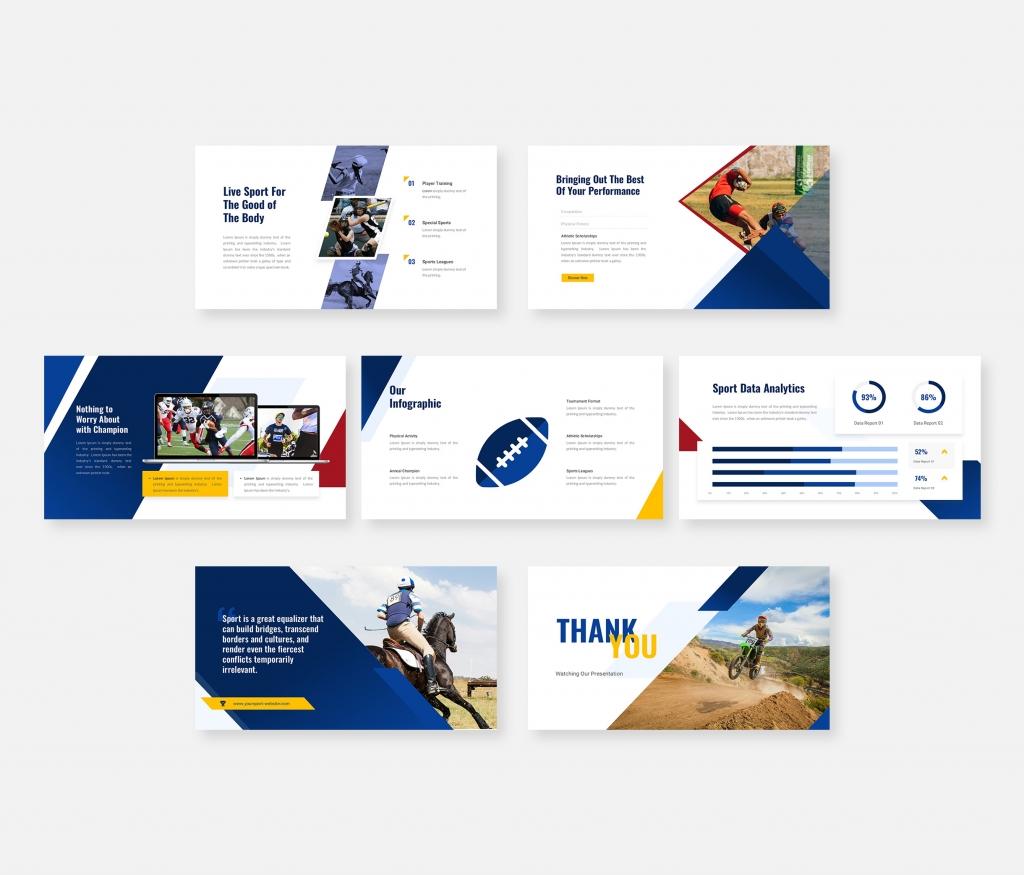
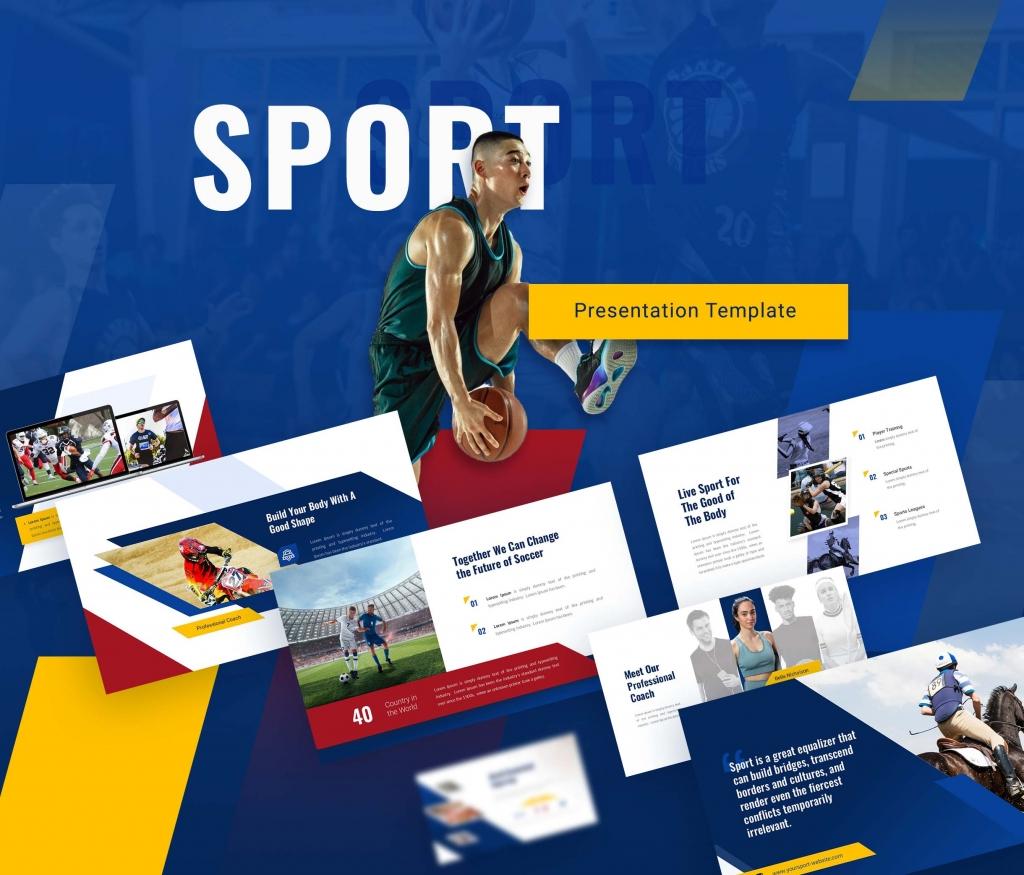
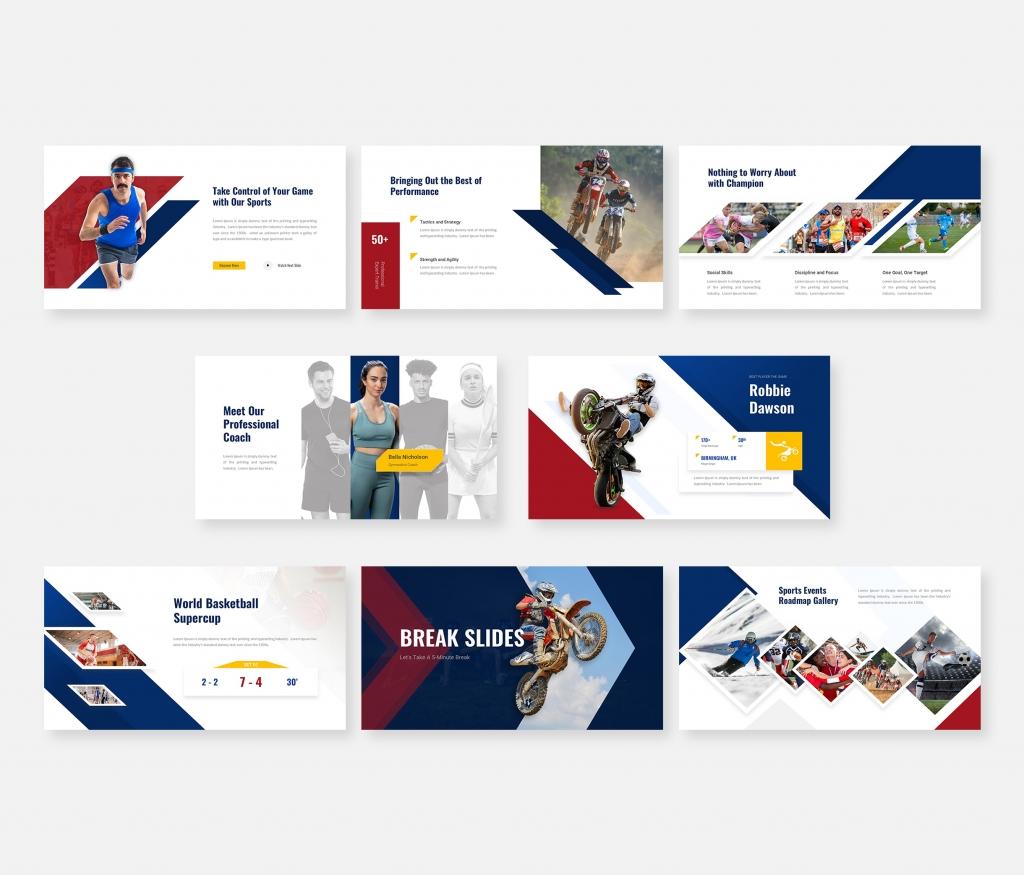
Olympix – Sport Presentation Google Slides Template is perfect for showcasing anything related to sports, fitness, and athletic events, but can easily be customized for business purposes. This template is suitable for portfolios, company profiles, multipurpose presentations, creative agencies, and custom projects.
There are 25 unique, modern, and creative slides. The colors, shapes, text, and charts can be easily modified. All shapes are fully editable, and images can be added in just one click.
FEATURES:
- Total Slides: 25 Slides
- All graphics resizable and editable
- Based on Master Slides
- 16:9 Wide Screen Ratio
- Picture Placeholder
- Just Drag and Drop!
- Easily Editable!
FILES INCLUDED:
- Google Slides file
- Documentation File
IMAGES:
- Unsplash
- Pexels
Mockup Devices:
- Freepik
- PNGTree
For buyers: Thank you for using our presentation template. We hope that it helps you present in a professional and engaging way.
Note: All images in the demo are for preview purposes only and are not included in the final files.
Hope you like it.
Thanks.
About This Template
What You Can Create
- Professional business meetings and presentations
- Educational lectures and classroom activities
- Project proposals and client deliverables
- Team updates and internal communications
- Conference talks and public speaking engagements


