
Glazmo - Creative Glassmorphism PowerPoint Template
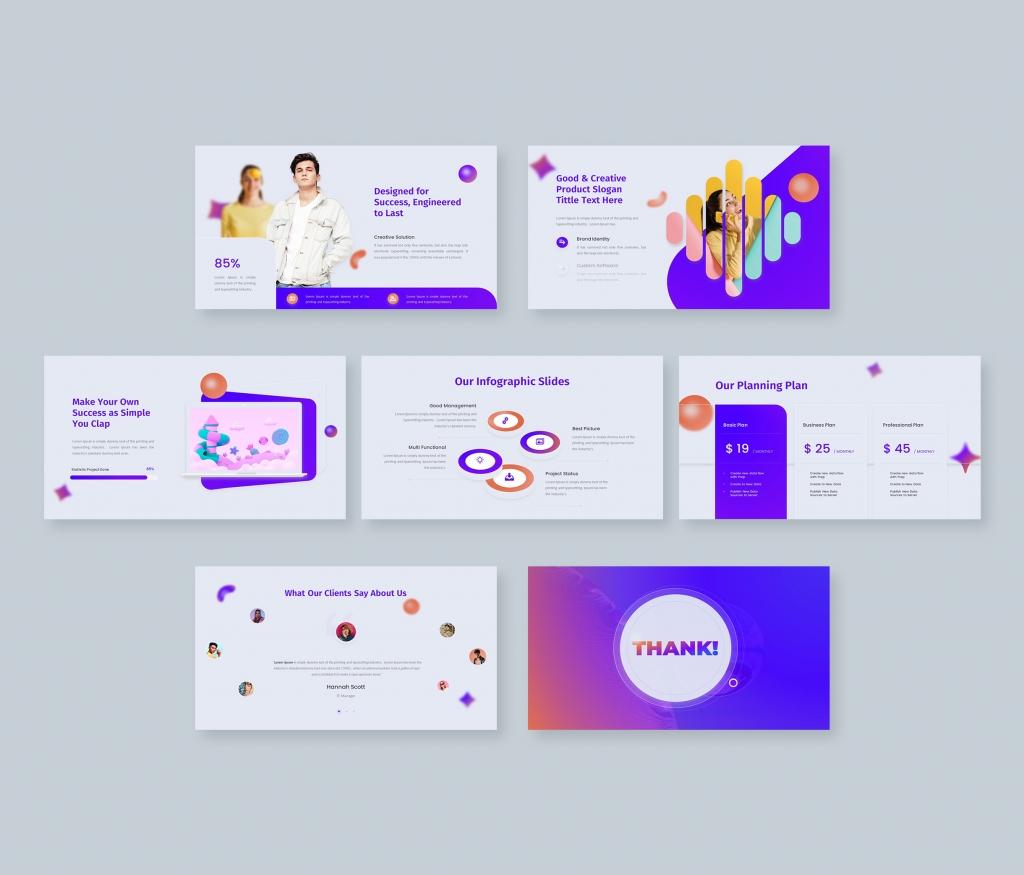
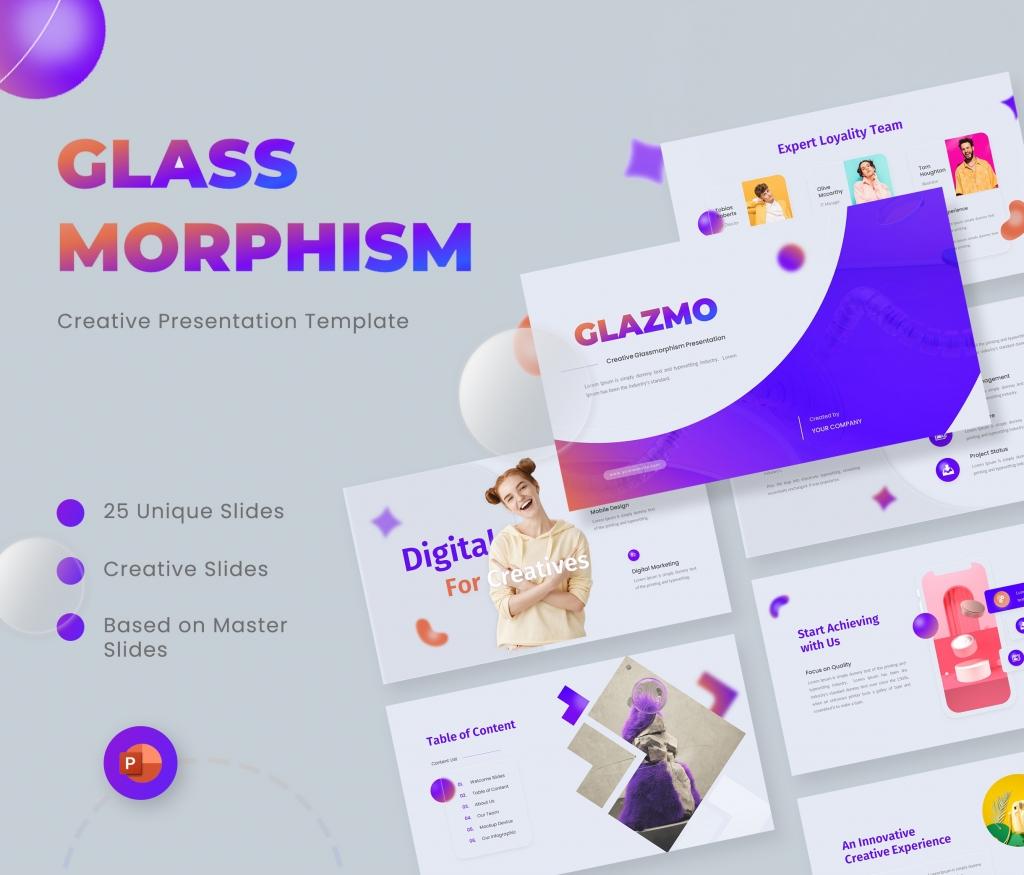
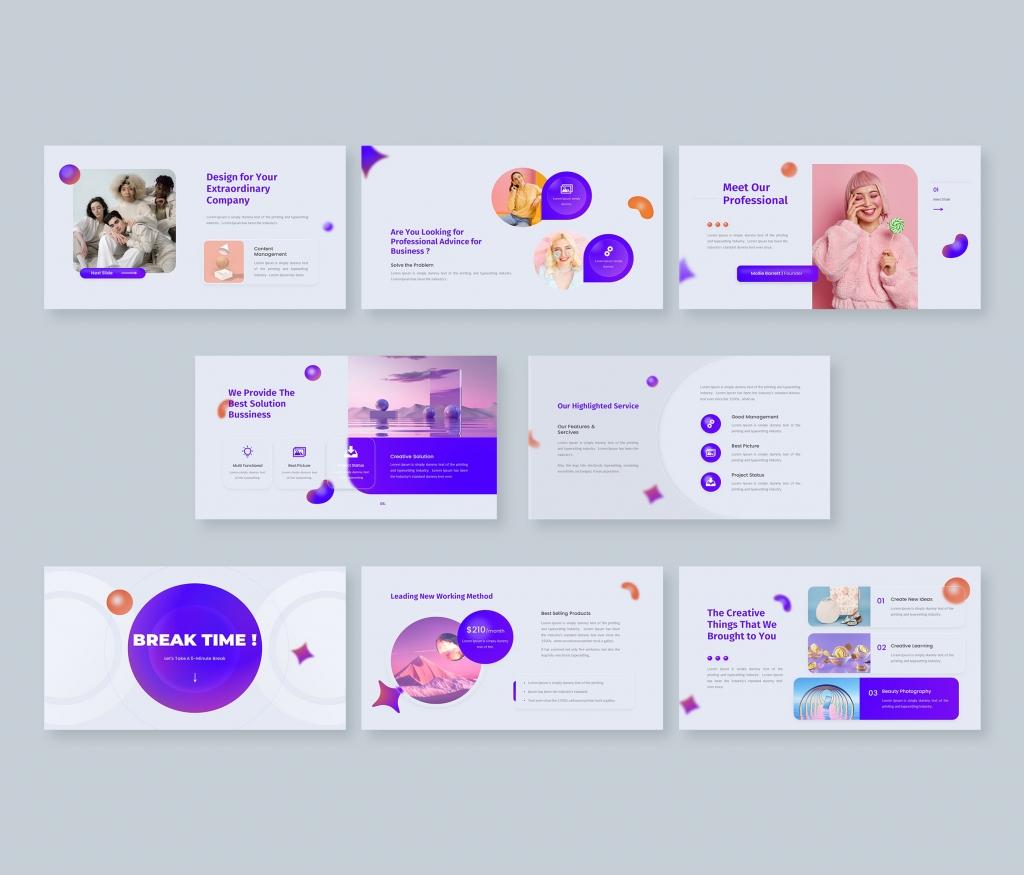
Glazmo is a visually stunning and modern PowerPoint template, perfect for showcasing creative ideas, business portfolios, and marketing strategies. With its sleek glassmorphism design, this template gives your presentations a fresh, contemporary look, guaranteed to captivate your audience.
Key Features:
- 25 Unique Slides: Tailored for business presentations, portfolios, and creative agencies.
- Glassmorphism Design: Stylish, translucent layers with soft shadows and vivid colors.
- Fully Customizable: Change text, colors, images, and shapes effortlessly.
- Infographic Elements: Includes charts, graphs, and icons for easy data visualization.
- Drag & Drop Image Placeholder: Quickly add images with just a click.
- 16:9 Aspect Ratio: Optimized for all devices, from laptops to projectors.
- Master Slides: For easy uniformity across your slides.
- Free Fonts Used: Stylish fonts that complement the template’s modern look.
Files Included:
- PowerPoint .PPTX file
- Documentation File for easy setup
With Glazmo, you can effortlessly create professional presentations with a creative flair. Ideal for businesses, creative agencies, and professionals looking to present their ideas with a contemporary edge. Get Glazmo now and turn your presentations into works of art!
About This Template
Glazmo - Creative Glassmorphism PowerPoint Template is a premium, fully editable presentation template designed for professionals who need polished slides without starting from scratch. Every element — colors, fonts, charts, and images — can be customized in PowerPoint or Google Slides to match your brand and message. Whether you are preparing for a meeting, a pitch, or a classroom session, this template gives you a professional starting point that saves hours of design work. Download it now and start building your presentation in minutes.
What You Can Create
- Professional business meetings and presentations
- Educational lectures and classroom activities
- Project proposals and client deliverables
- Team updates and internal communications
- Conference talks and public speaking engagements
Tips for Getting Started
Start by replacing the placeholder text and images with your own content. Use the master slide to apply your brand colors and logo across the entire deck in one step.


