
Daysea - Water Sport Presentation Google Slides Template

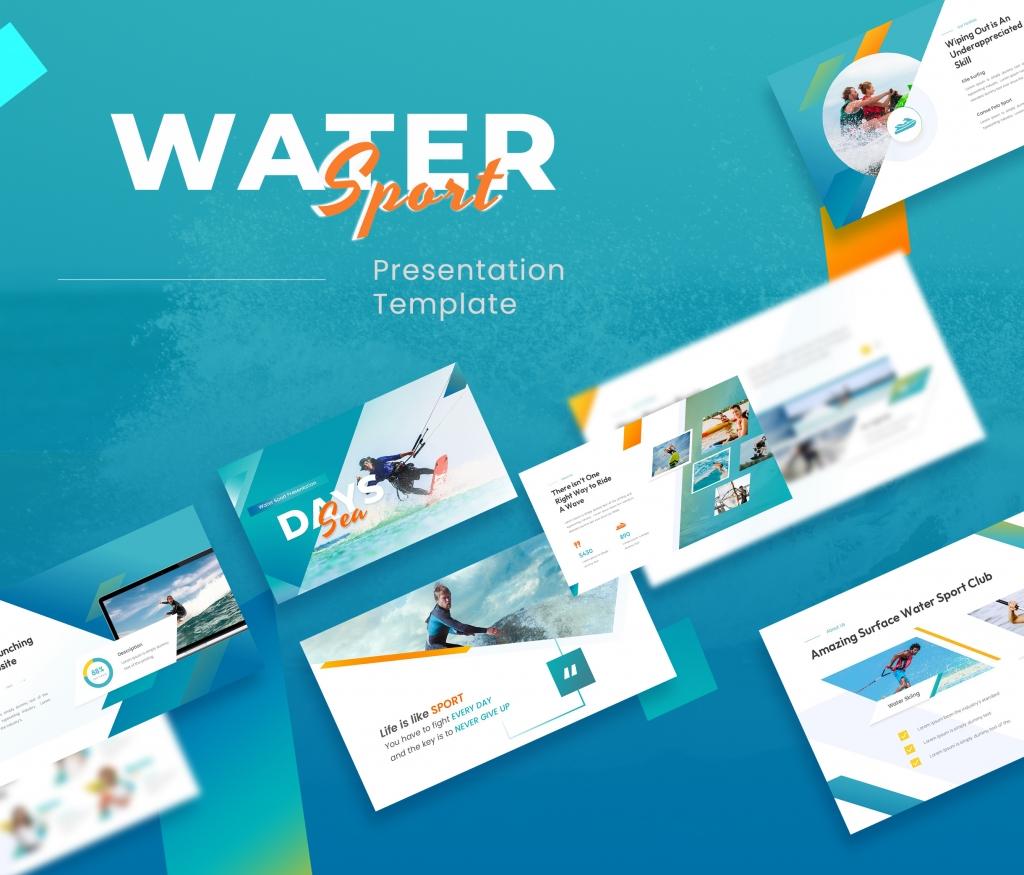

Daysea – Water Sport Presentation Google Slides Template is perfect for showcasing everything related to water sports and aquatic activities. This presentation can be modified for various purposes, making it ideal for portfolios, company profiles, multipurpose uses, creative agencies, and custom productions. With 25 unique, creative, and modern slides, you can easily change colors, modify shapes, text, and charts. All shapes are fully editable, and pictures can be easily inserted with just one click.
FEATURES:
- Total Slides: 25 Slides
- All graphics resizable and editable
- Used and recommended free web fonts
- Based on Master Slides
- 16:9 Wide Screen Ratio
- Picture Placeholder
- Easily Editable!
FILES INCLUDED:
- Google Slides .GSLIDES file
- Documentation File
IMAGES:
- Unsplash
- Pexels
Thank you for using our presentation template. We hope our work helps you look presentable in front of your audience.
Note: All images in the demo are for preview purposes only and are not included in the files.
Hope you like it!
About This Template
What You Can Create
- Professional business meetings and presentations
- Educational lectures and classroom activities
- Project proposals and client deliverables
- Team updates and internal communications
- Conference talks and public speaking engagements


