
MetaTherium Blockchain Presentation PPTX


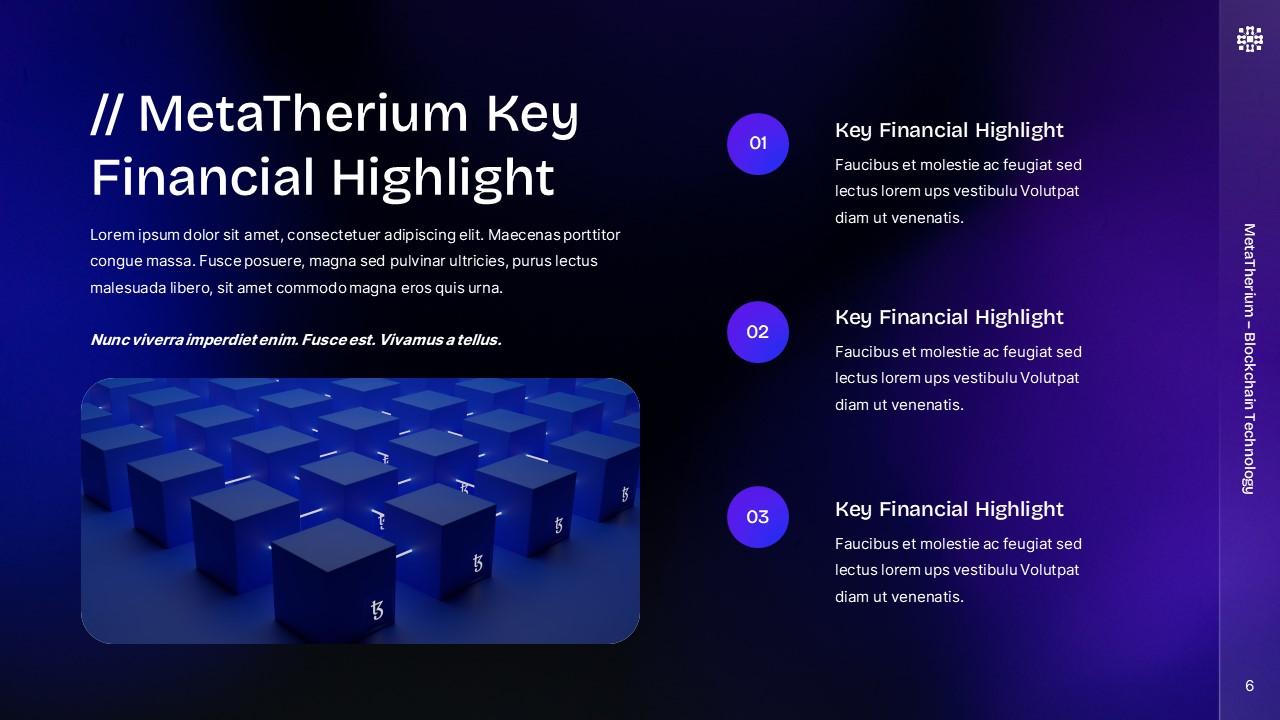
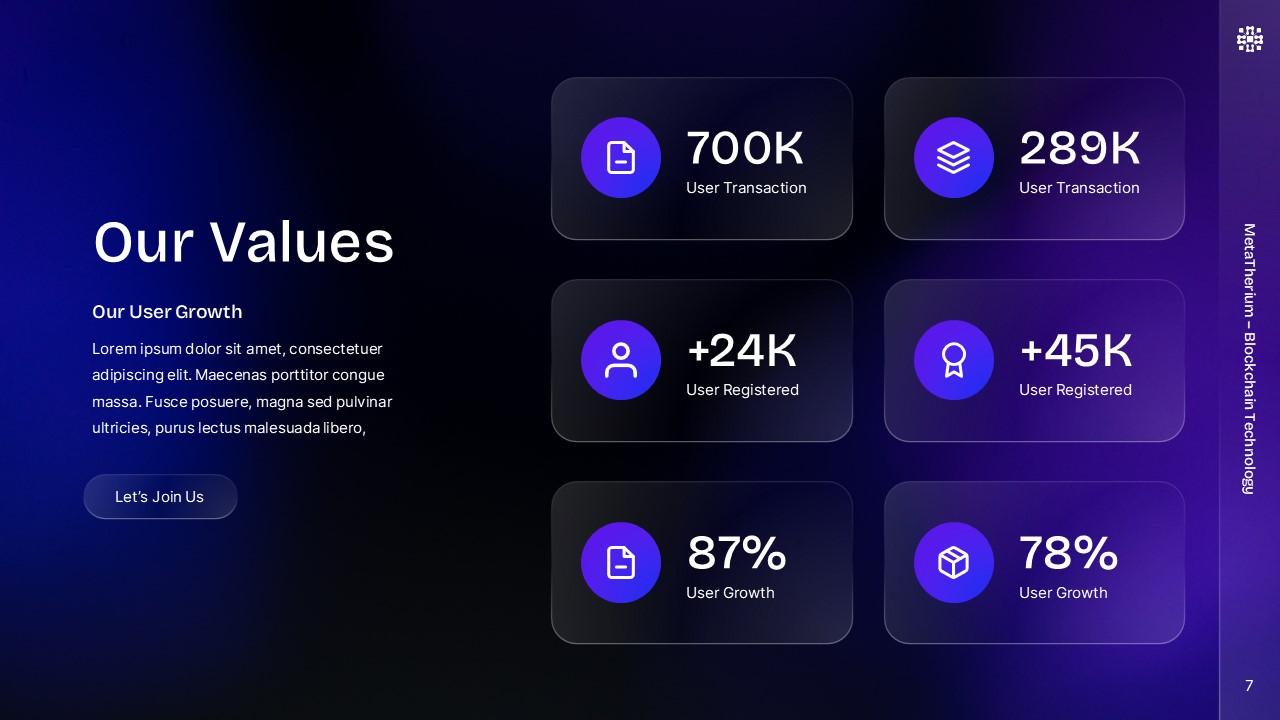
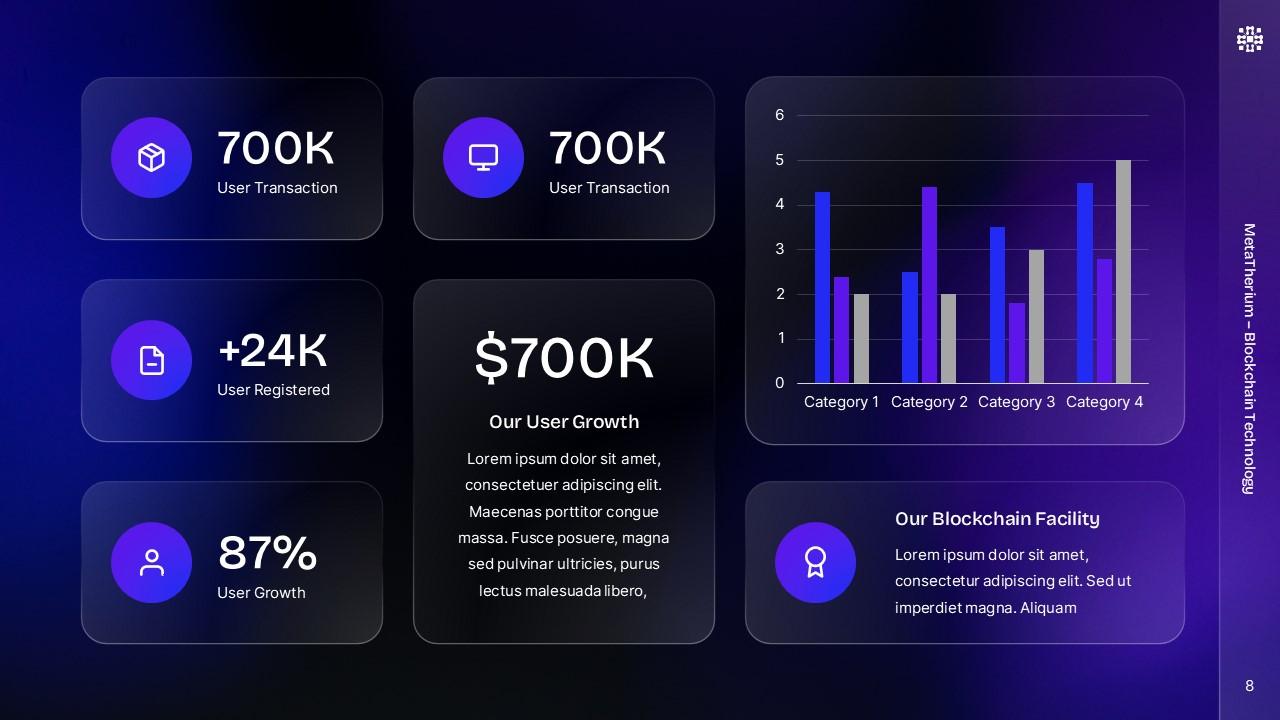
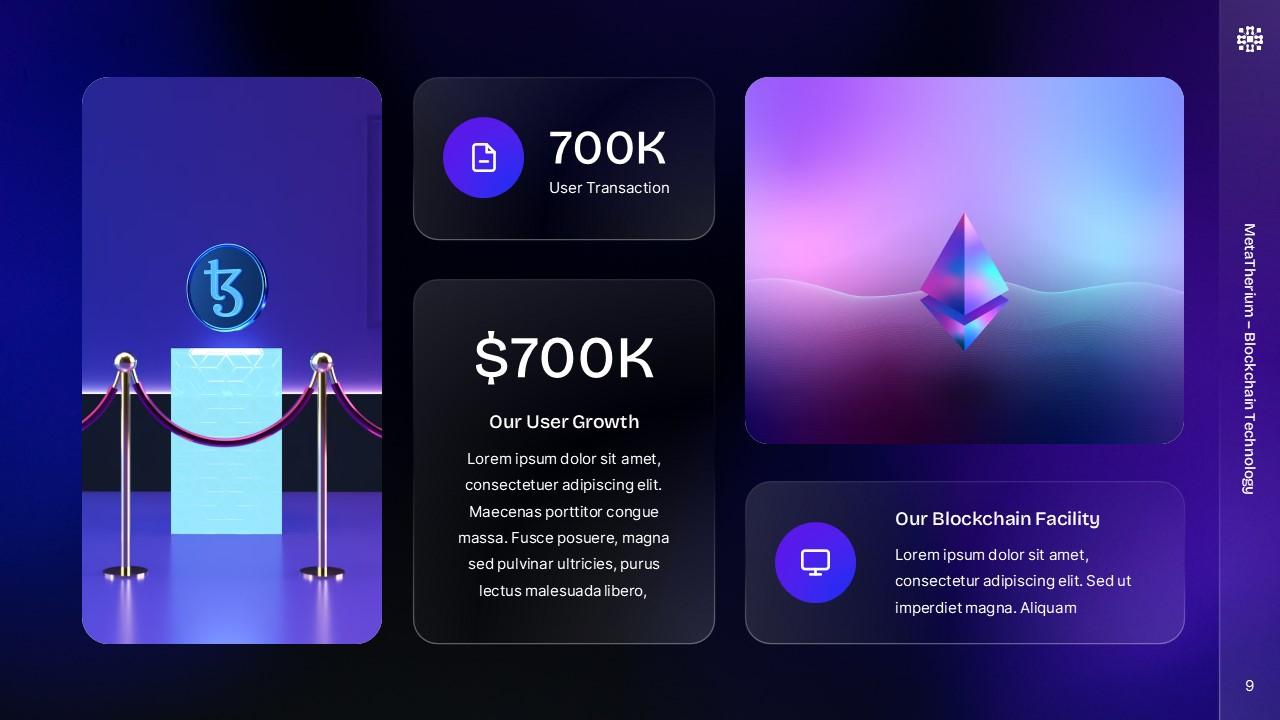
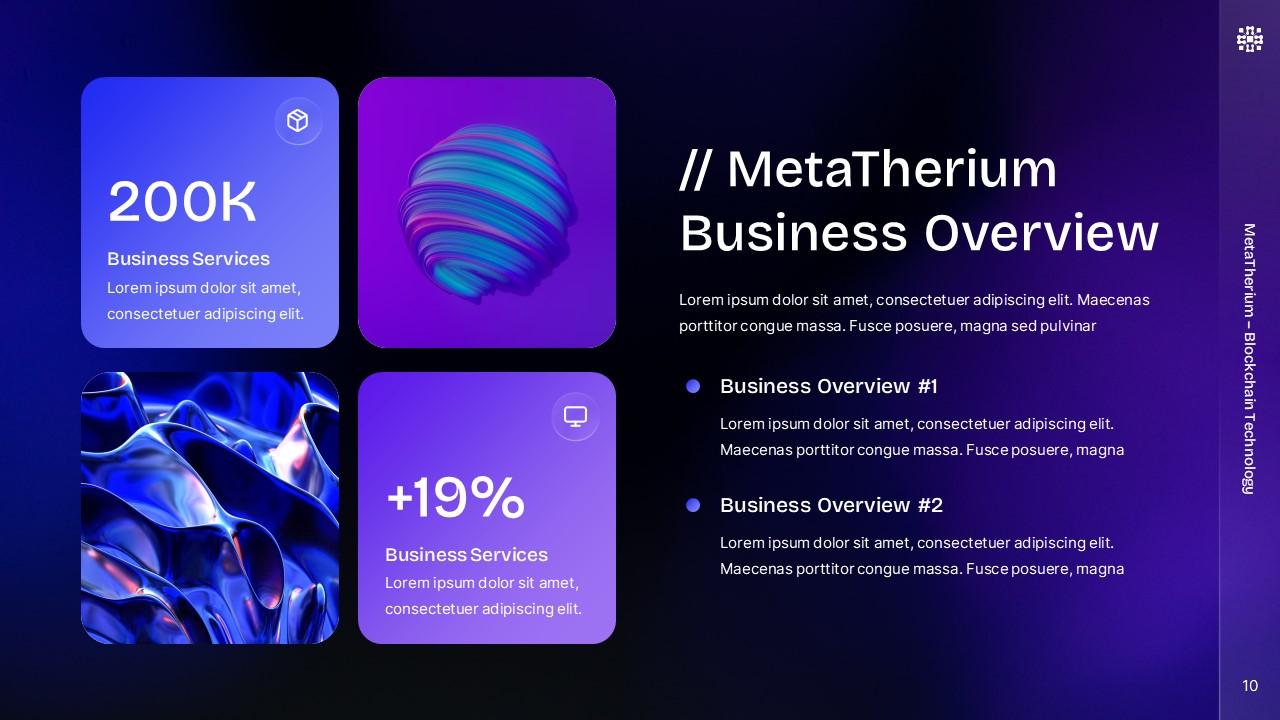
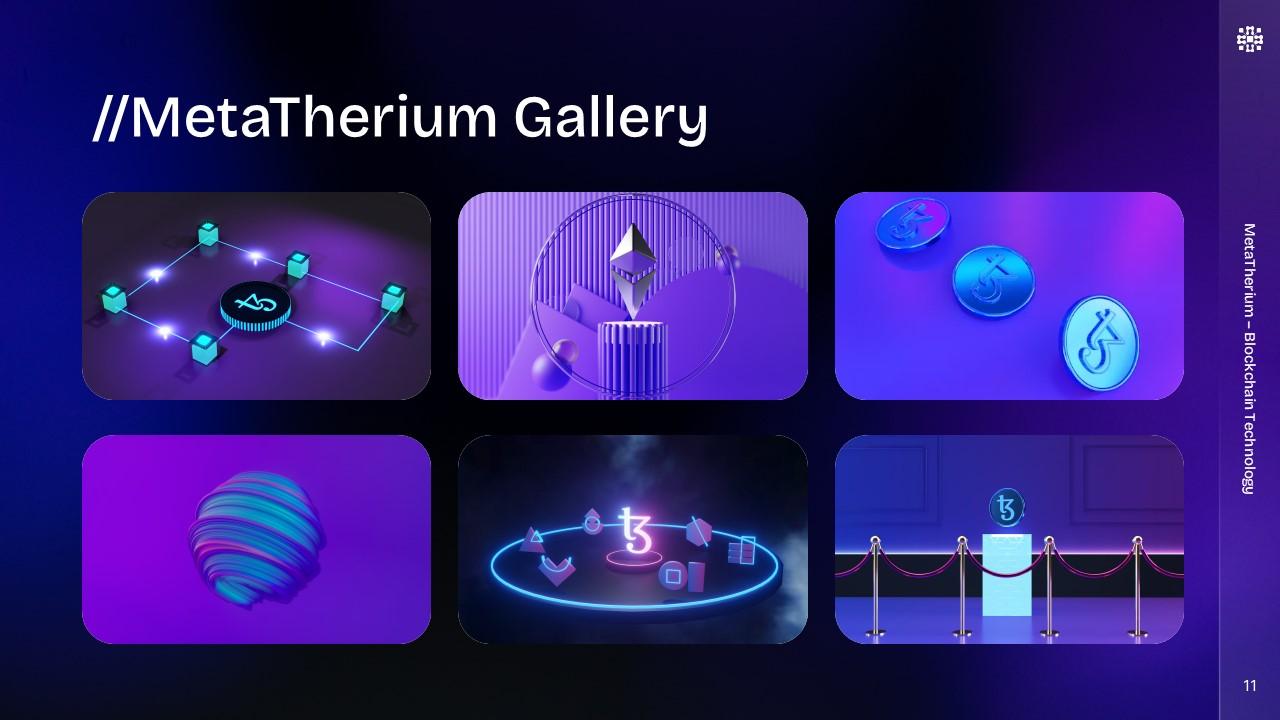
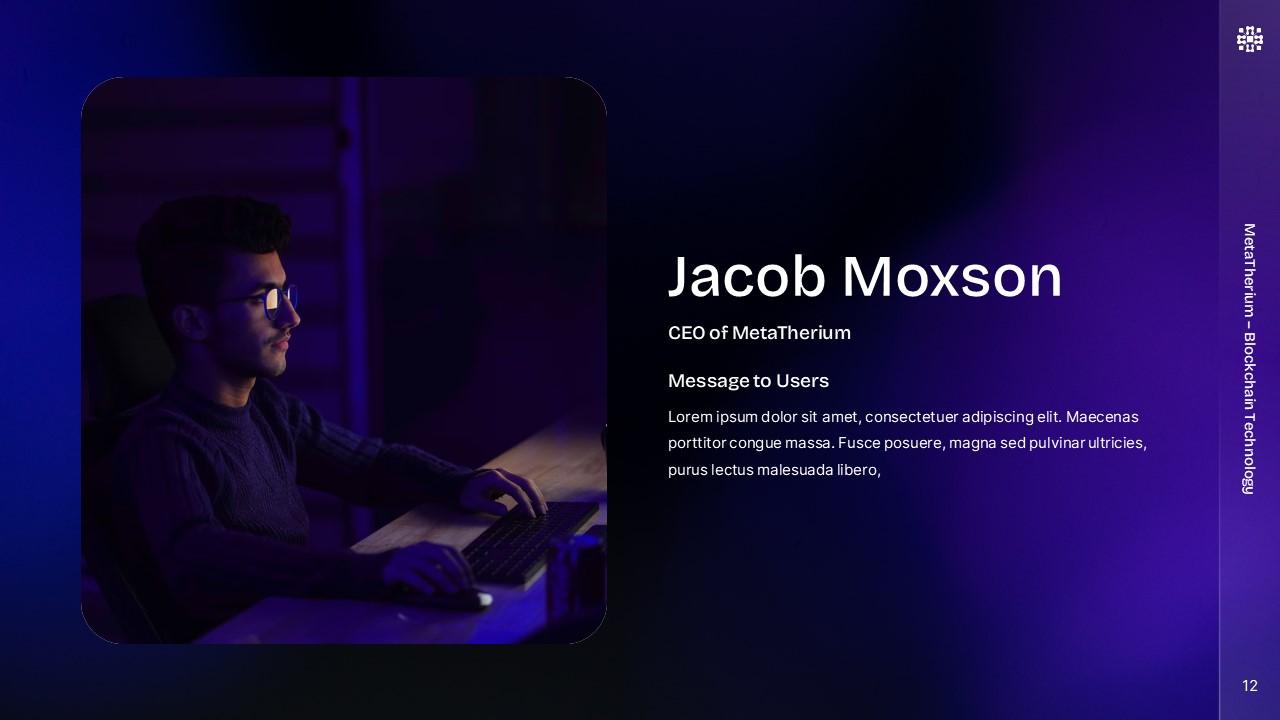
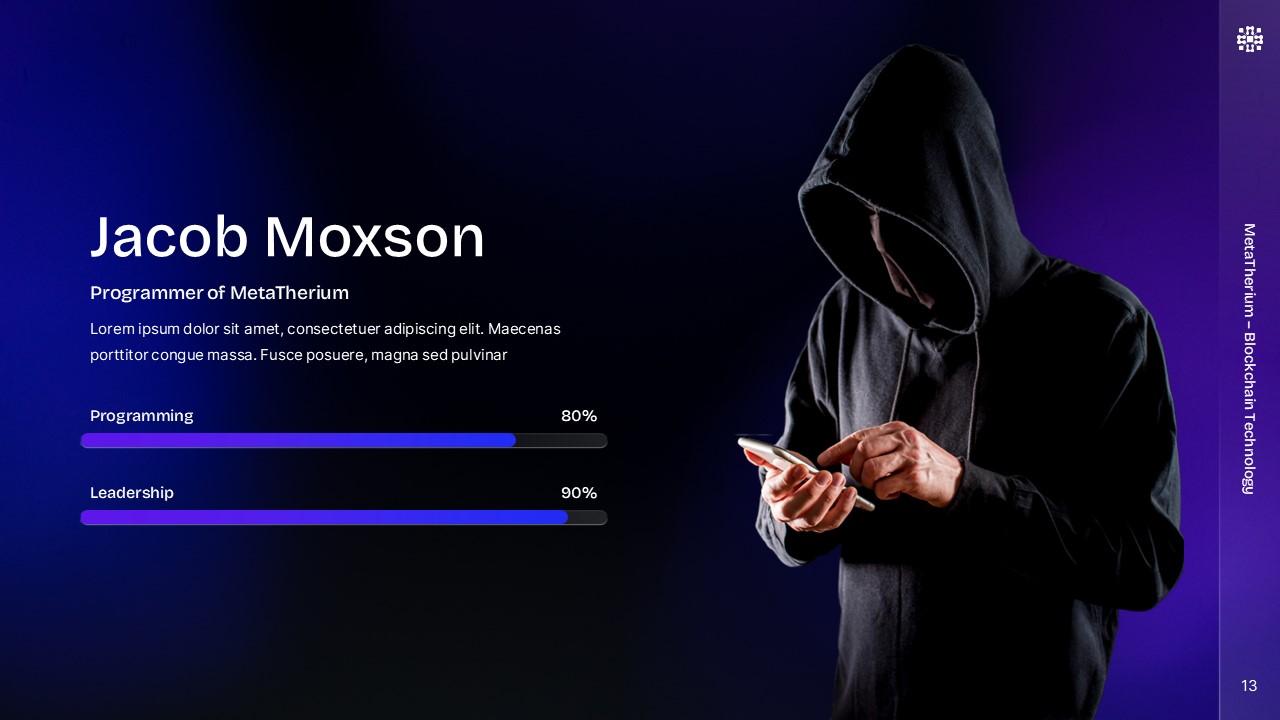
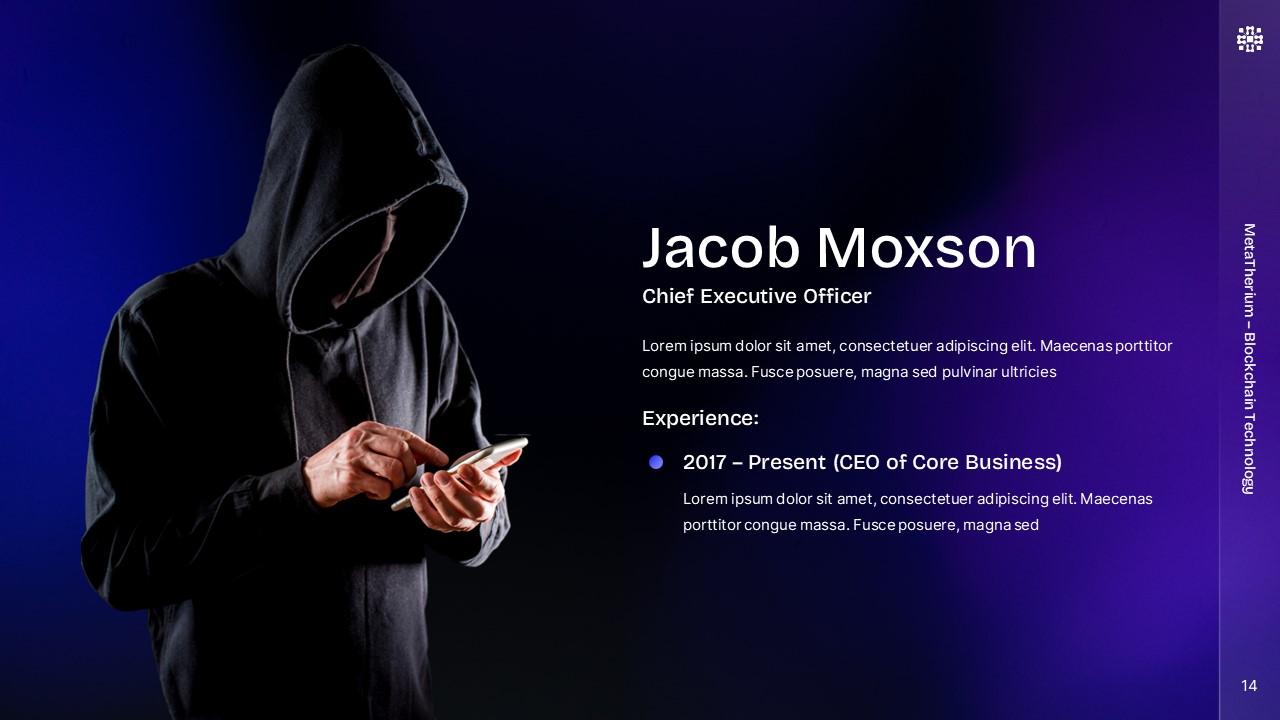
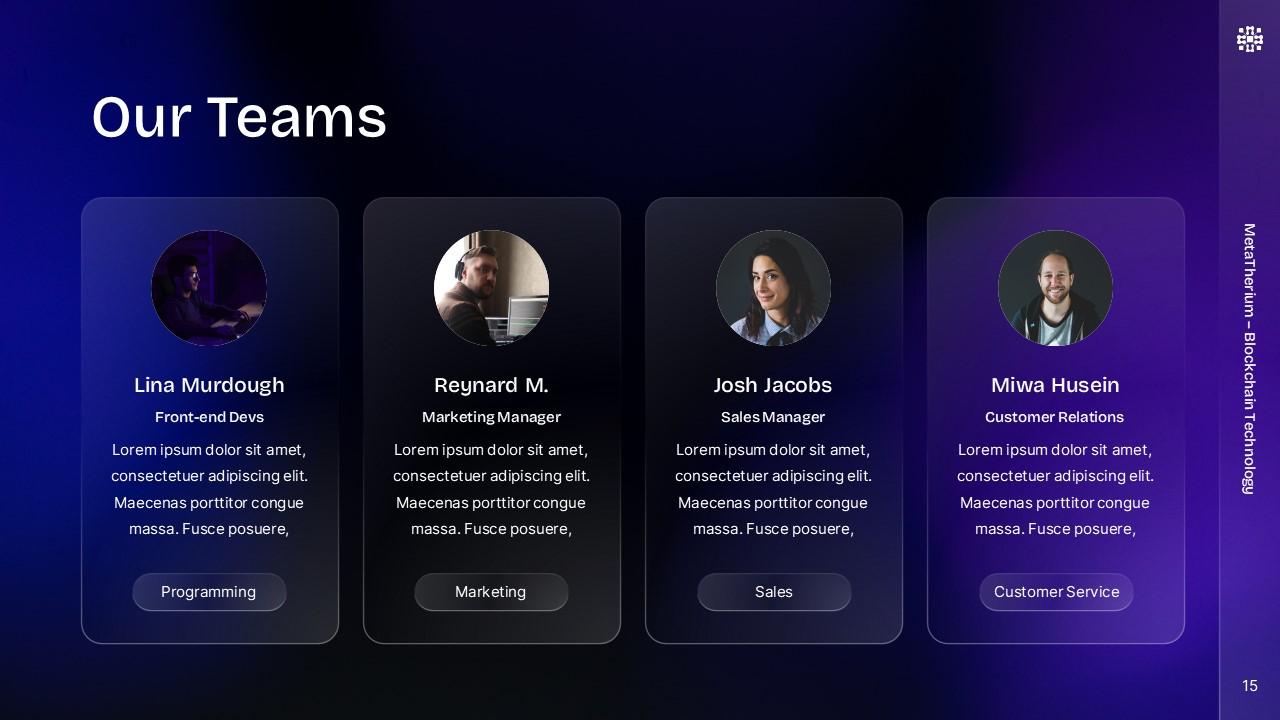
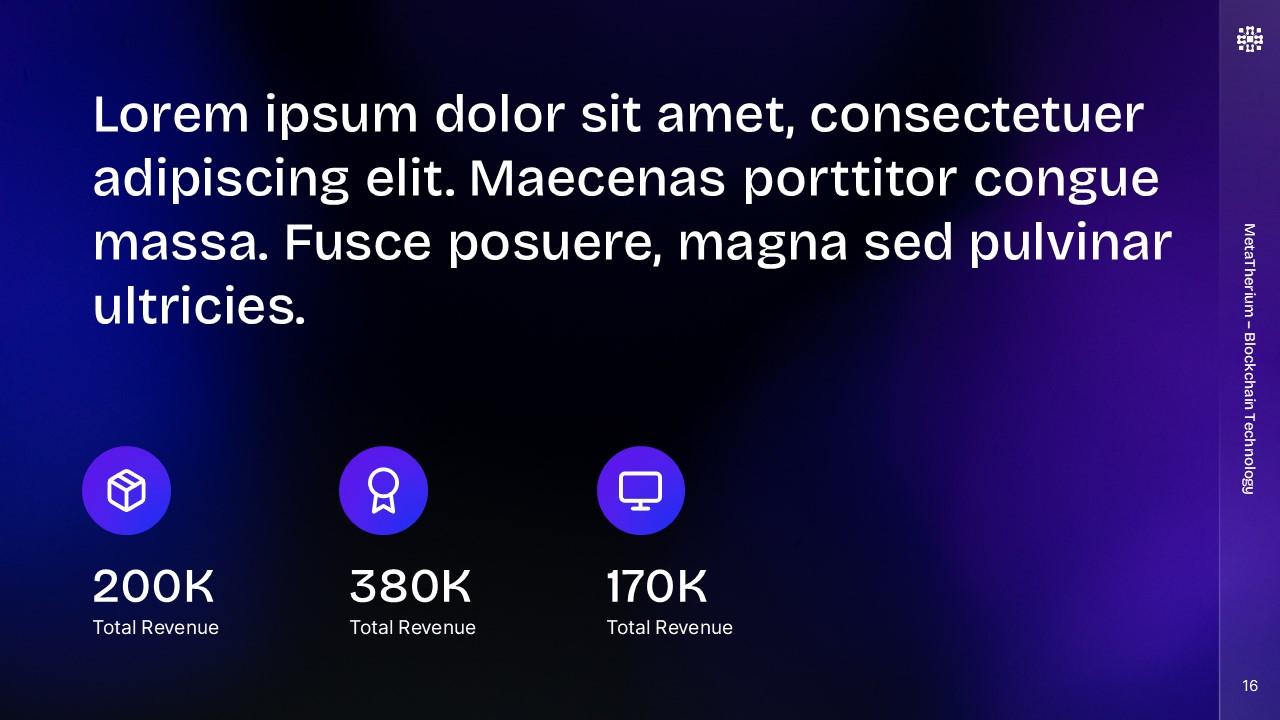
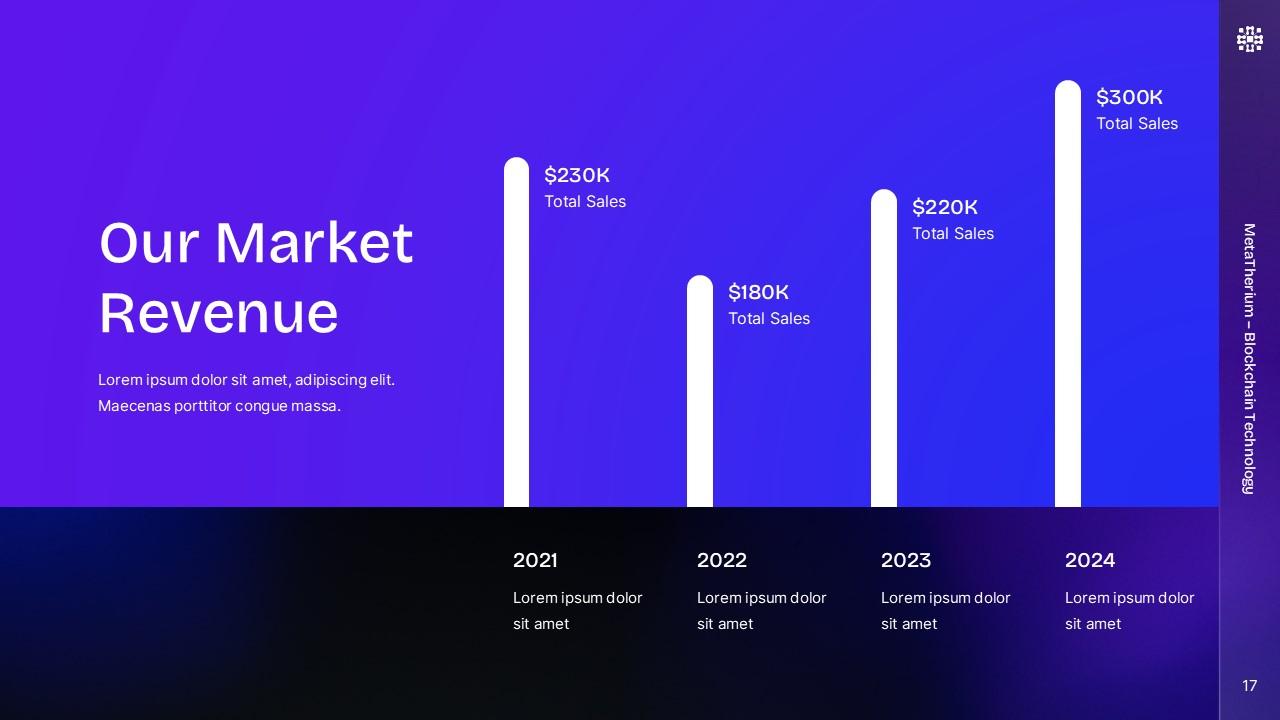
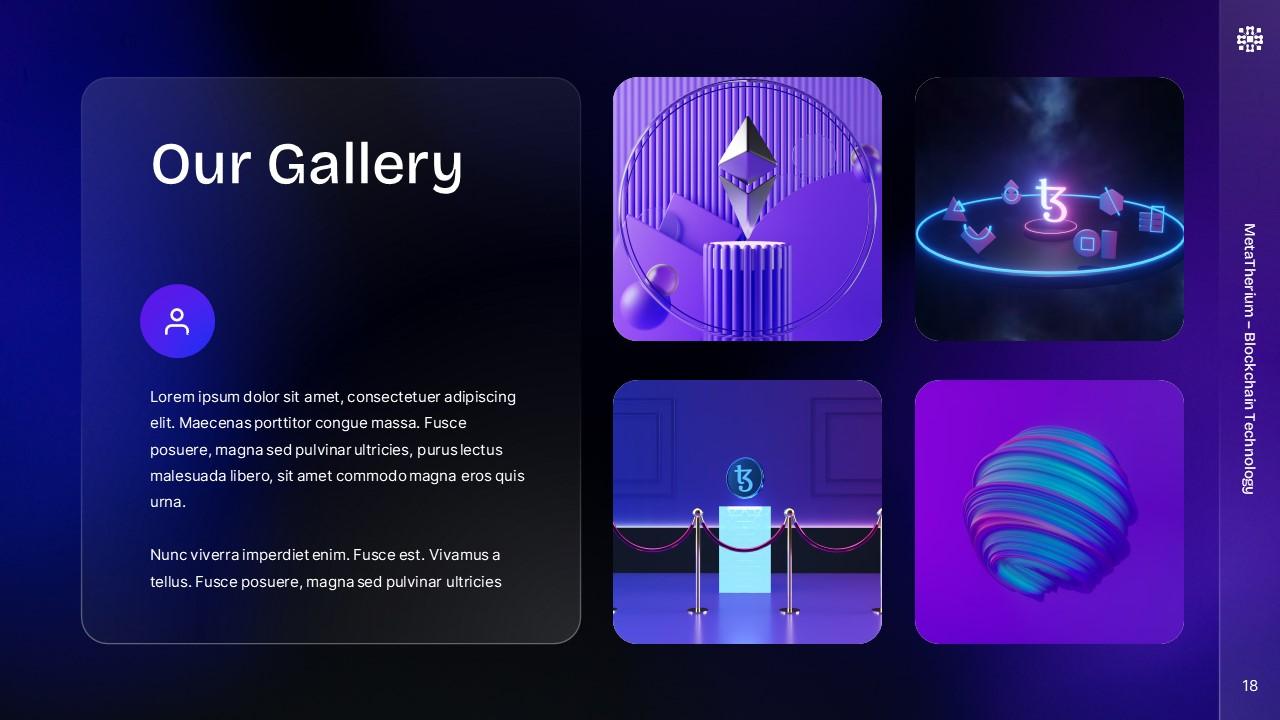
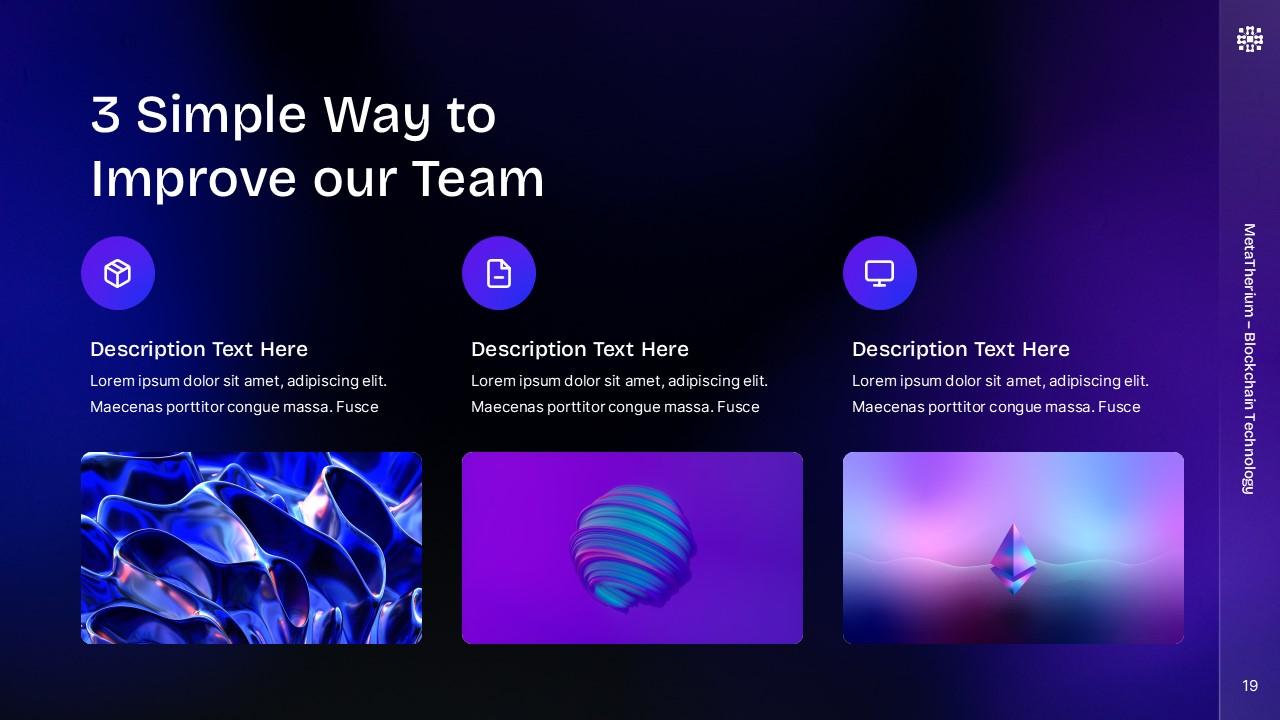
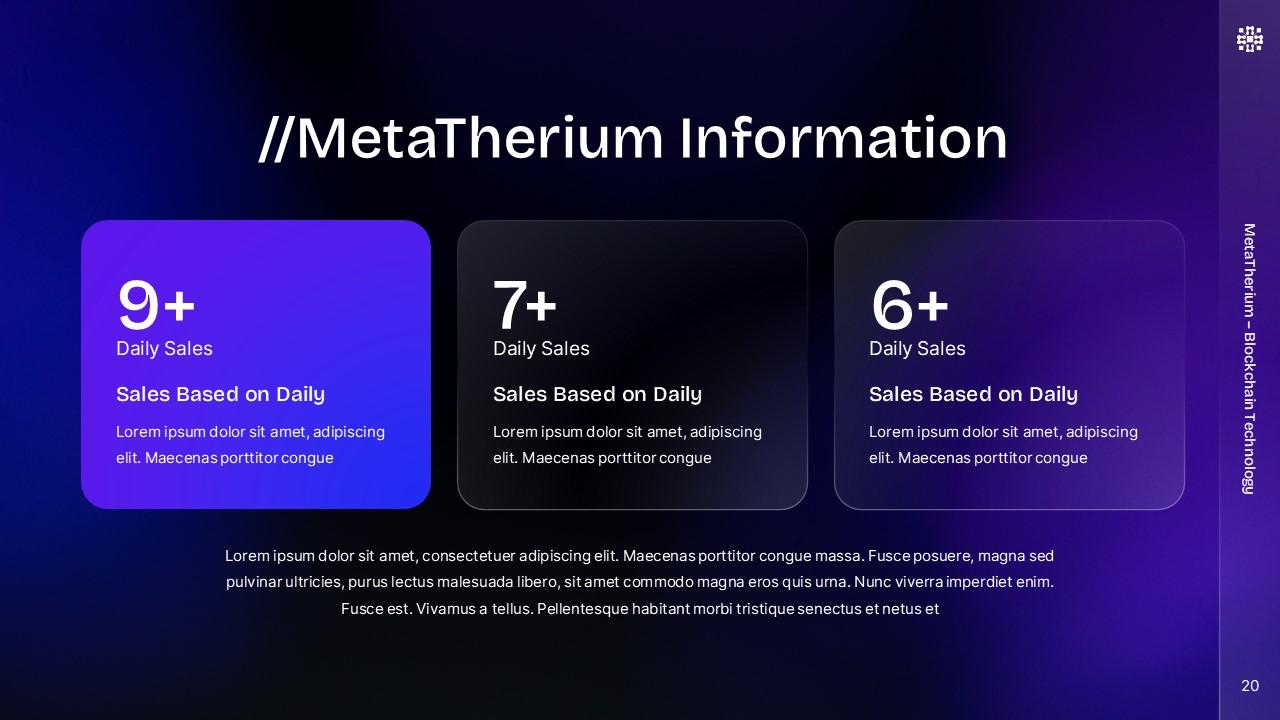
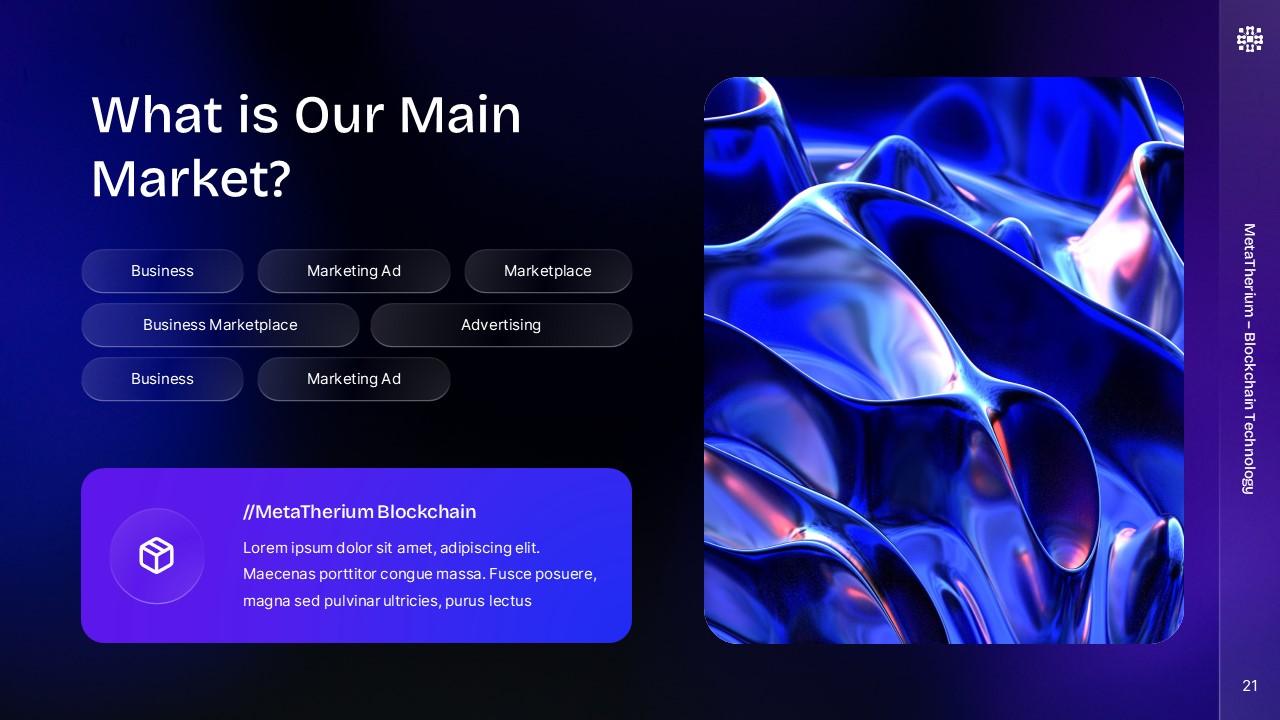
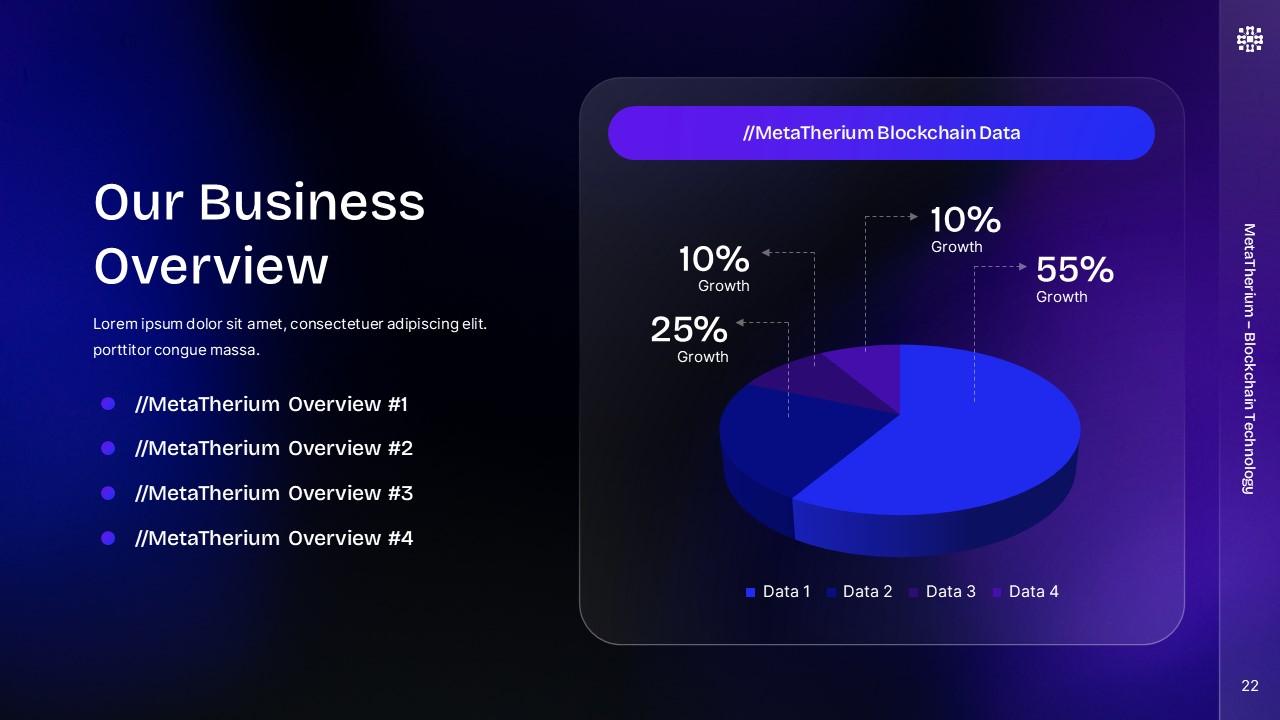
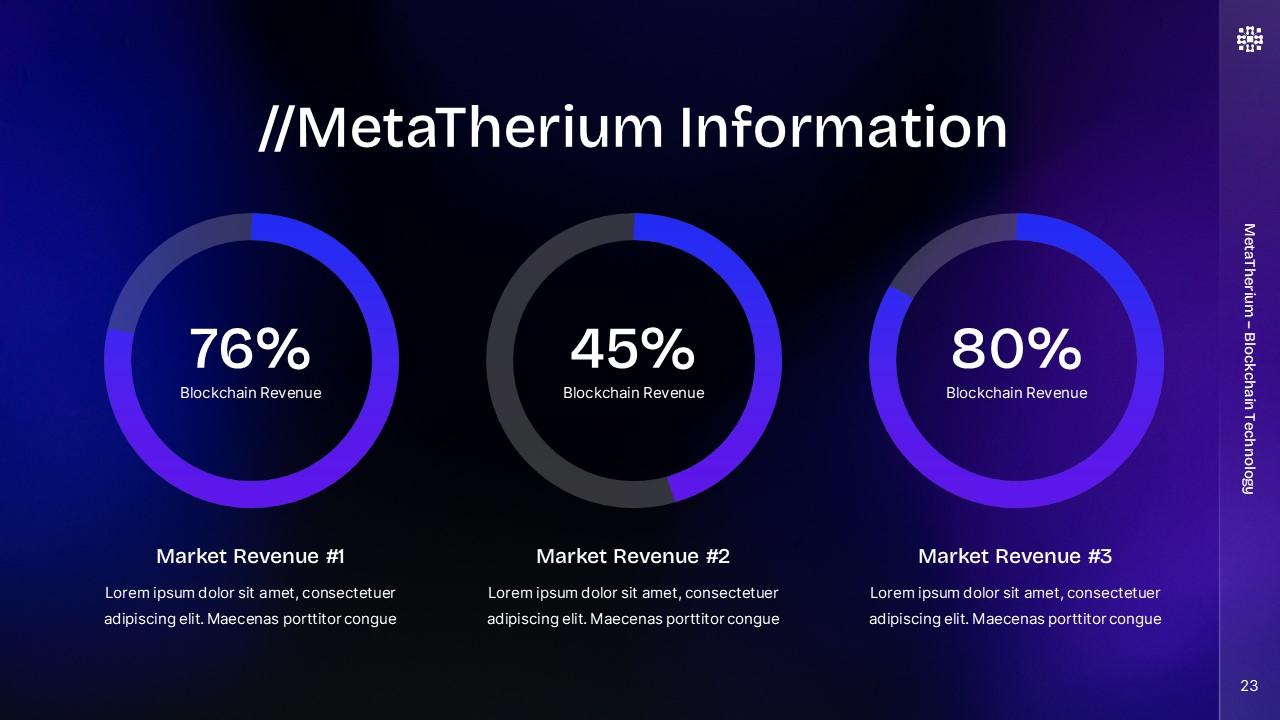
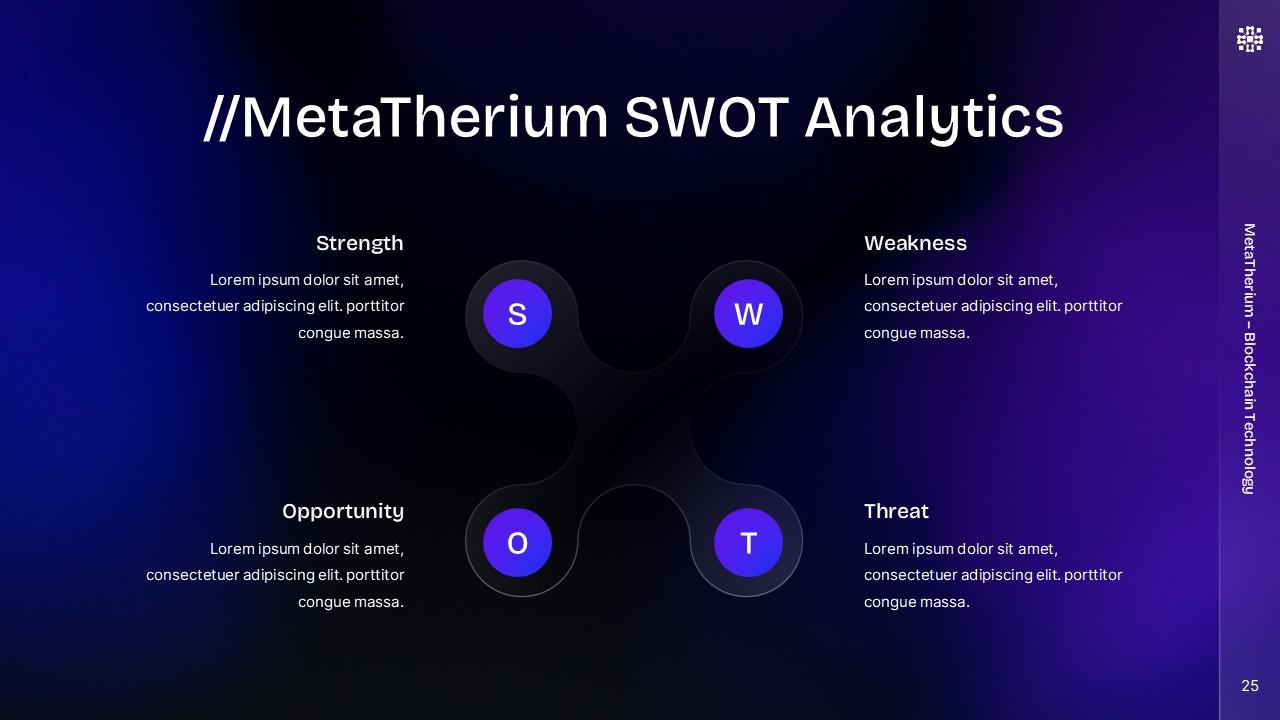
MetaTherium Blockchain PowerPoint Presentation
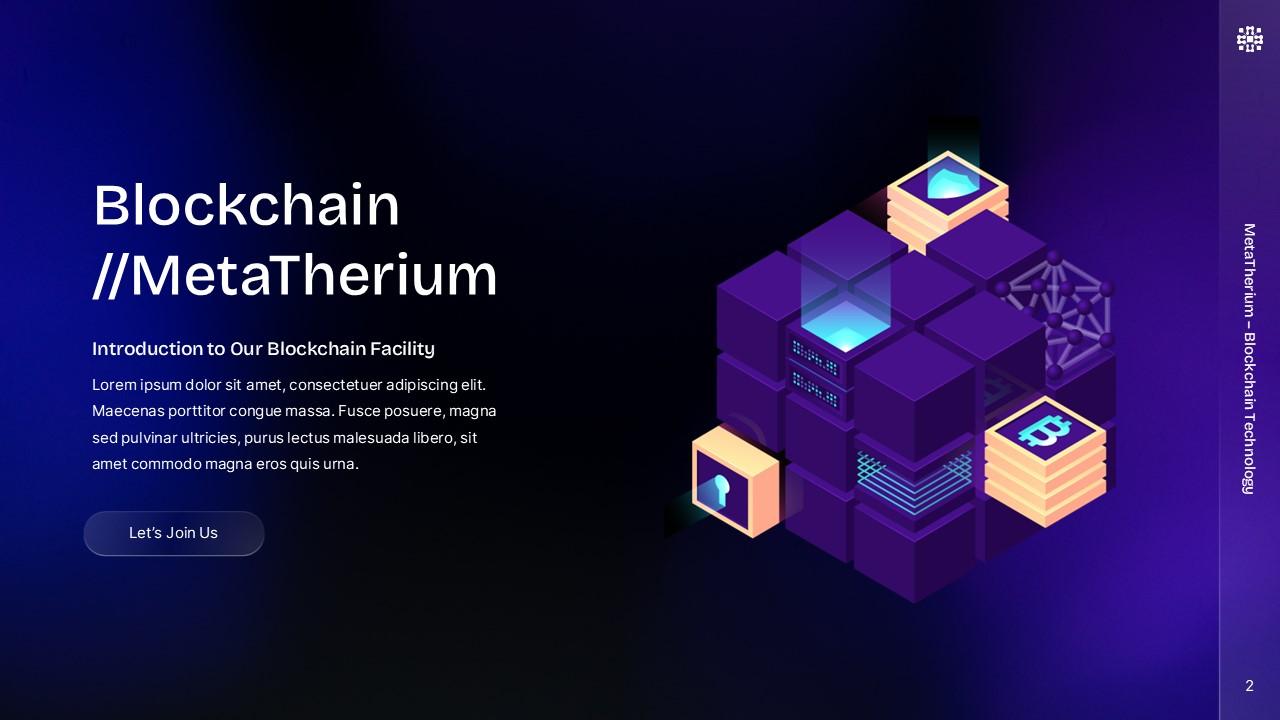
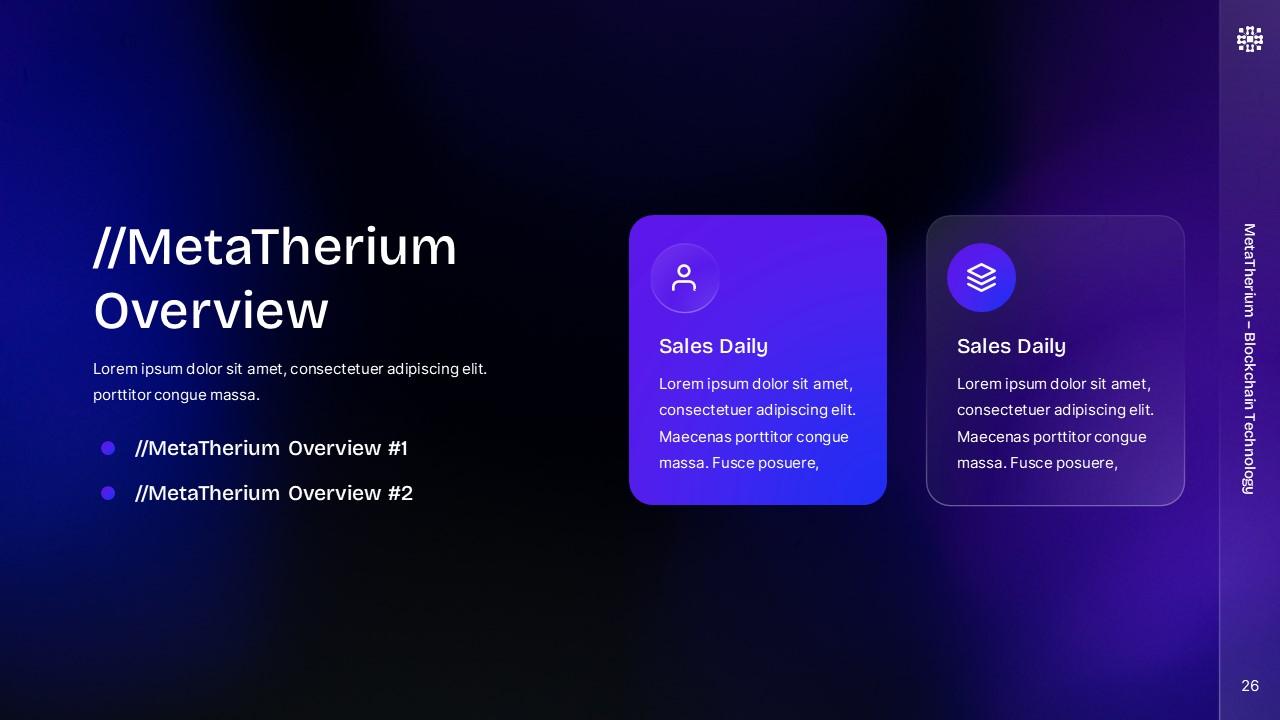
Elevate your business presentations with the MetaTherium Blockchain PowerPoint Presentation, a cutting-edge template designed for all your technology-related needs. Whether you’re showcasing a business portfolio, pitching to investors, or detailing your next big project, MetaTherium offers a sleek and modern design to help you stand out.
Key Features:
- Versatile Slides: Perfect for business purposes, portfolios, company profiles, and more.
- Tech-Focused Design: Highlight the latest in blockchain technology with visually stunning graphics and layouts.
- Customizable Content: Easily edit text, images, and colors to match your brand’s style and message.
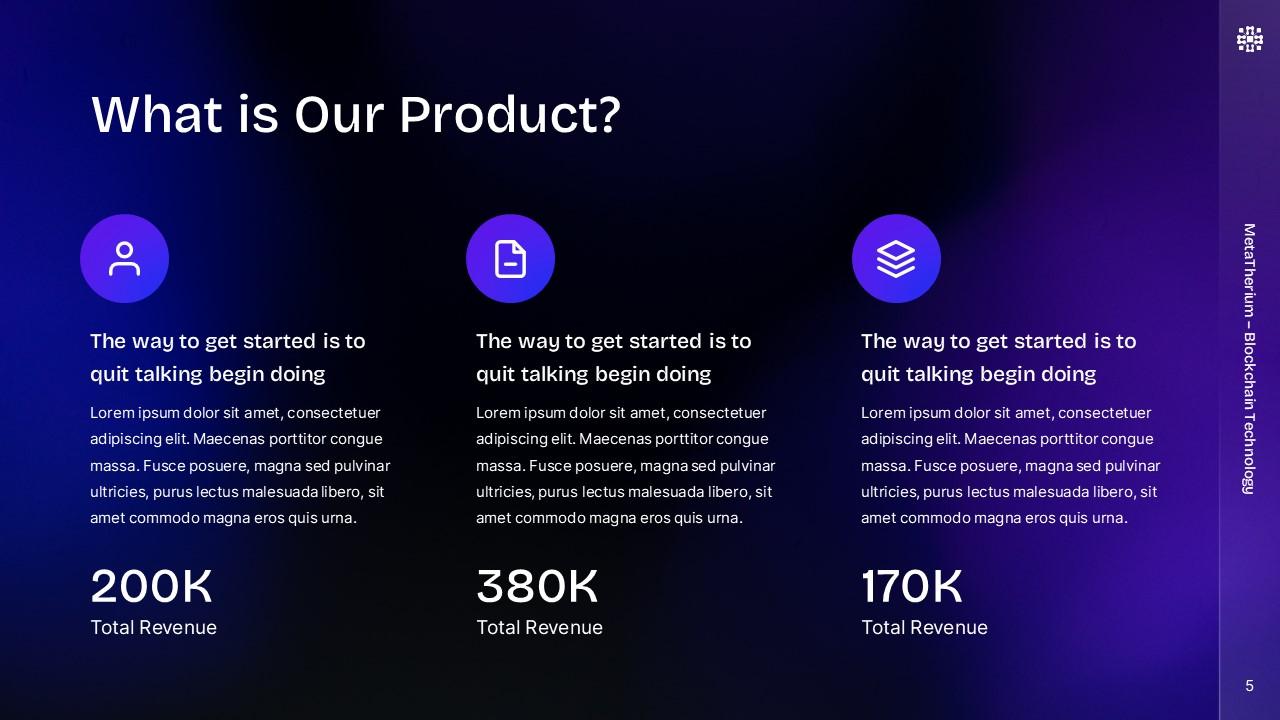
- Professional Layouts: Includes a variety of slide types, from title slides to market analysis and financial projections.
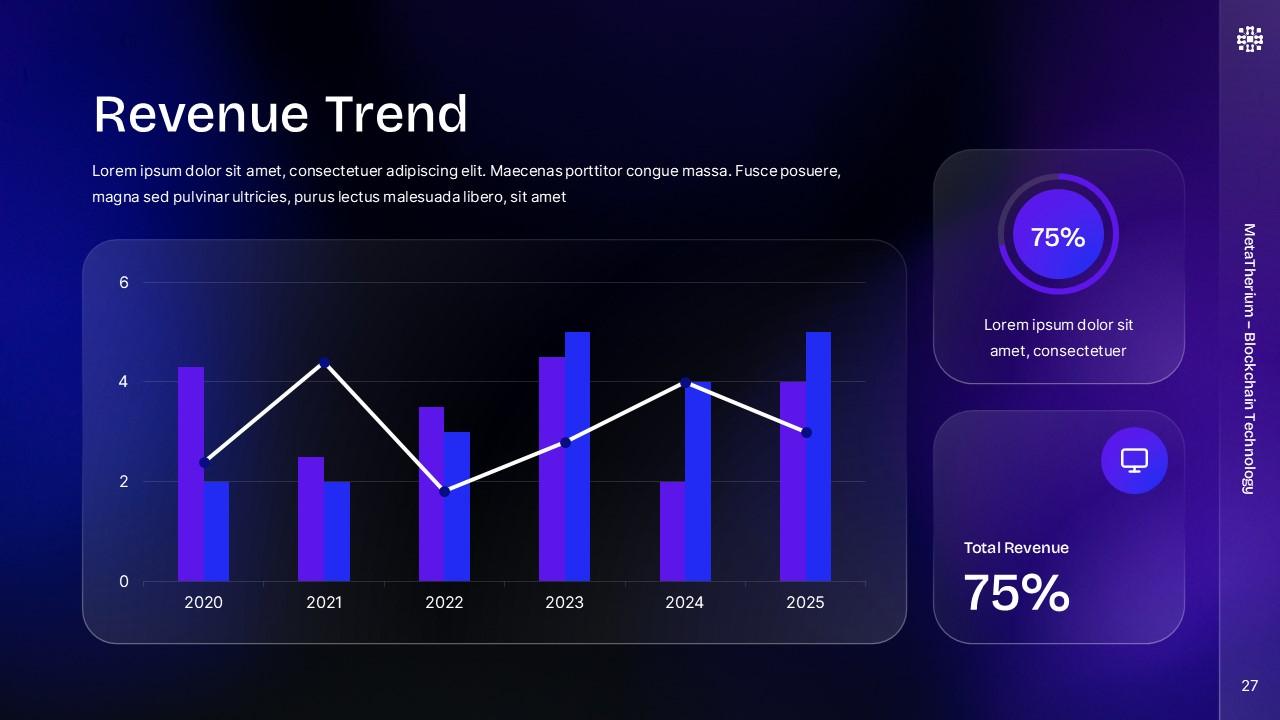
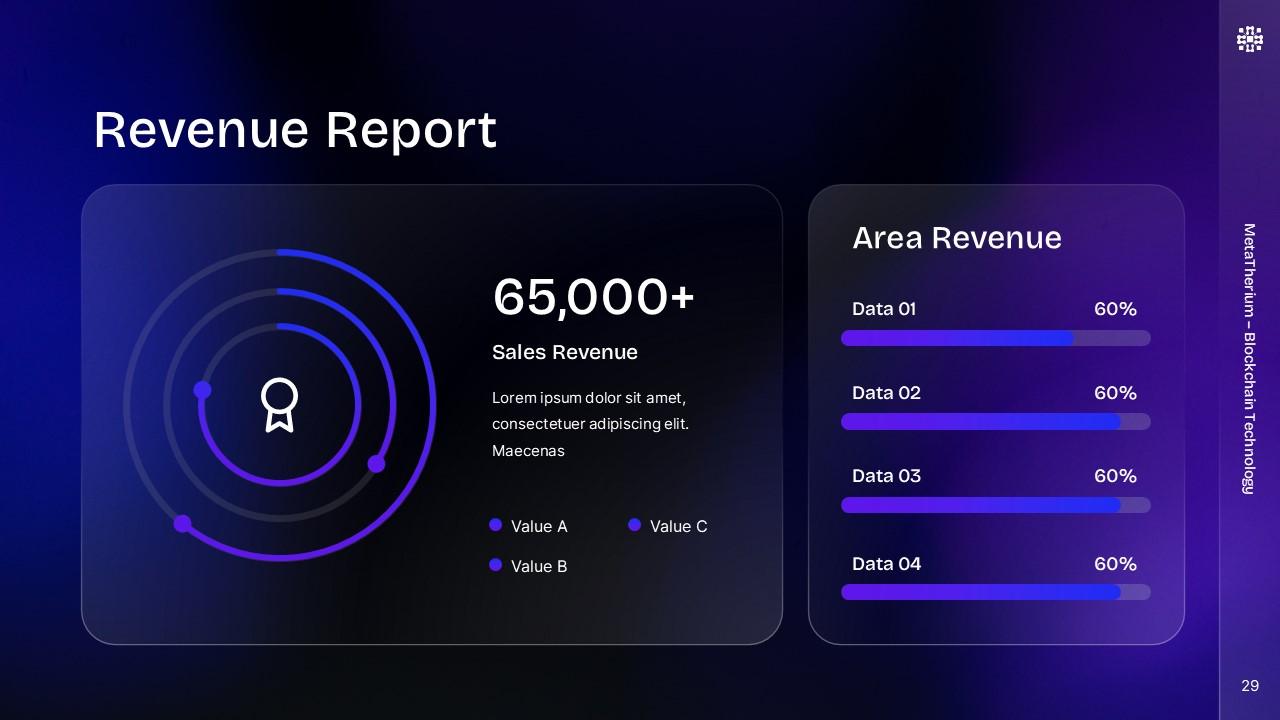
- Editable Infographics: Enhance your data presentation with fully editable charts, graphs, and icons.
- Device Mockups: Display your product on realistic device mockups, including smartphones, tablets, and laptops.
- User-Friendly Interface: Drag and drop functionality for quick and easy customization.
Transform your presentations with MetaTherium and make a lasting impression on your audience. Download now and take your tech presentations to the next level!

💎 Premium Quality
Want similar items? Get premium templates & graphics starting from just $1
From $1Save 90%
About This Template
MetaTherium Blockchain Presentation PPTX is a premium, fully editable presentation template designed for professionals who need polished slides without starting from scratch. Every element — colors, fonts, charts, and images — can be customized in PowerPoint or Google Slides to match your brand and message. Whether you are preparing for a meeting, a pitch, or a classroom session, this template gives you a professional starting point that saves hours of design work. Download it now and start building your presentation in minutes.
What You Can Create
- Professional business meetings and presentations
- Educational lectures and classroom activities
- Project proposals and client deliverables
- Team updates and internal communications
- Conference talks and public speaking engagements
Tips for Getting Started
Start by replacing the placeholder text and images with your own content. Use the master slide to apply your brand colors and logo across the entire deck in one step.


